Product description
2.5 External design of the device
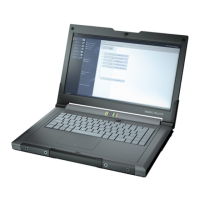
SIMATIC IPC MD-57A
20 Operating Instructions, 09/2023, A5E52775302-AA
2.5.2.3 Keyboard
Keyboard arrangement
The keyboard is divided into the following function groups:
• Alphanumeric keypad
• Numeric keypad, separate
• Function keys
• Control keys and hotkeys
Autorepeat
All keys of the keyboard except the function keys FN + F[1-10] are equipped with a
continuous function, i.e. the character is repeated as long as the key is pressed.
Keyboard labeling
There is a separate keyboard layout (arrangement of characters) for each of the languages
that can be ordered, see chapter "Features (Page 11)", section "Multimedial and multilingual".
Keyboard illumination
The keys can be illuminated in three brightness levels 1, 2, 3 and 0 (OFF). Use the key
combination <Fn + F3> to switch from one brightness level to the next.
Alphanumeric keyboard field
The largest key area is the alphanumeric keypad with keys for letters, digits and special
characters.
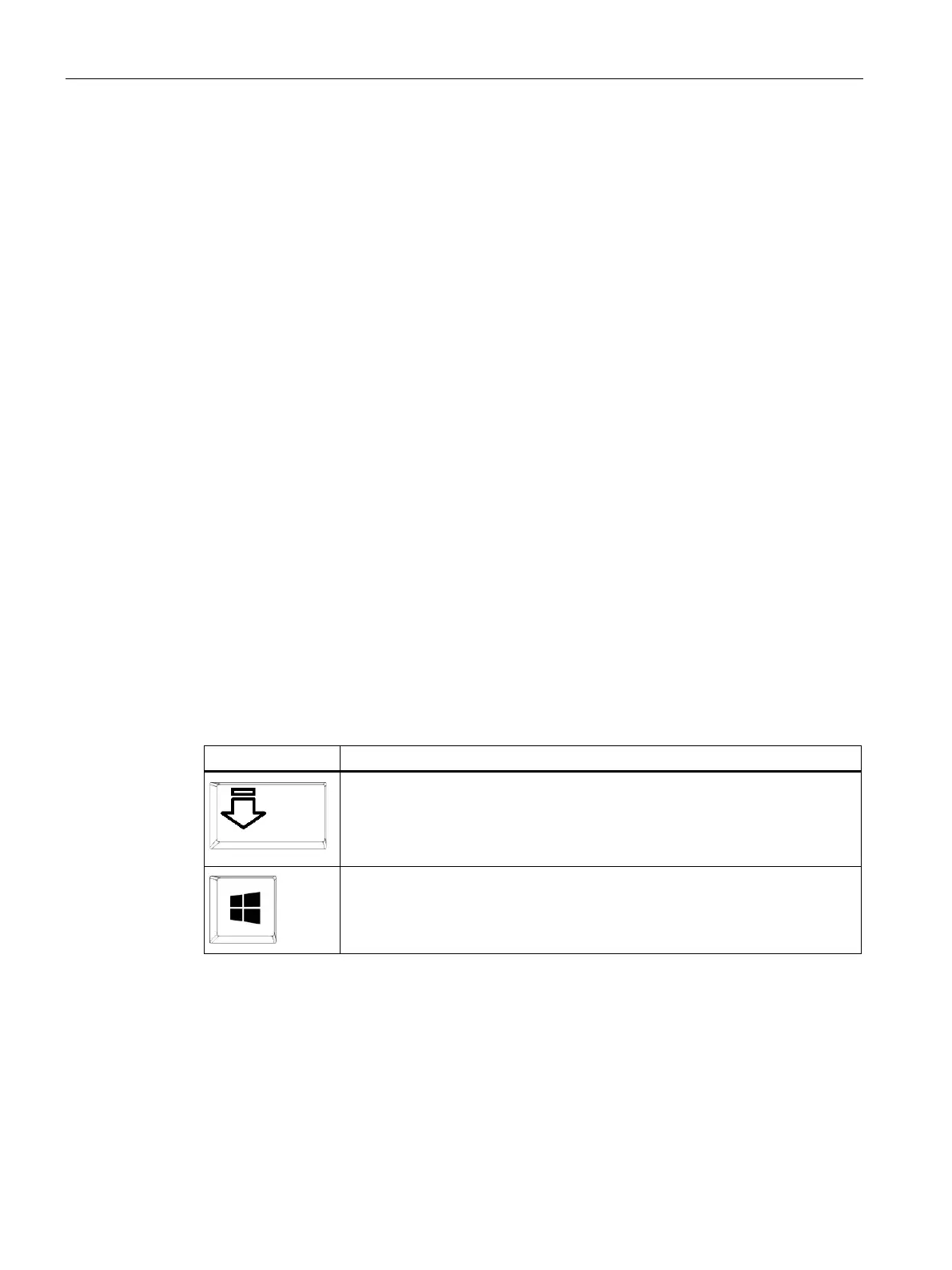
CapsLock (upper case key)
The CapsLock key enables upper case mode, see also "Status displays (Page 23)":
all letters are output as capital letters. With a multiple labeled key, the upper left
character is displayed.
You can exit upper case mode by pressing the key again.
Start (Windows Start key)
The Start key opens the Windows Start menu.



 To Next Page