Installing and connecting the device
4.2 Positioning the device
SIMATIC IPC MD-57A
42 Operating Instructions, 09/2023, A5E52775302-AA
Risk of damage when setting up
Always place the device on its underside, otherwise there is a risk of it falling over and
damaging sensitive device parts.
• Set up the device in a way that ensures comfortable posture and safety.
• Place the device with the underside on a level surface and at a comfortable height and
distance.
• Ensure that a power outlet is easily accessible near your workplace.
• Ensure there is enough space to connect peripheral devices.
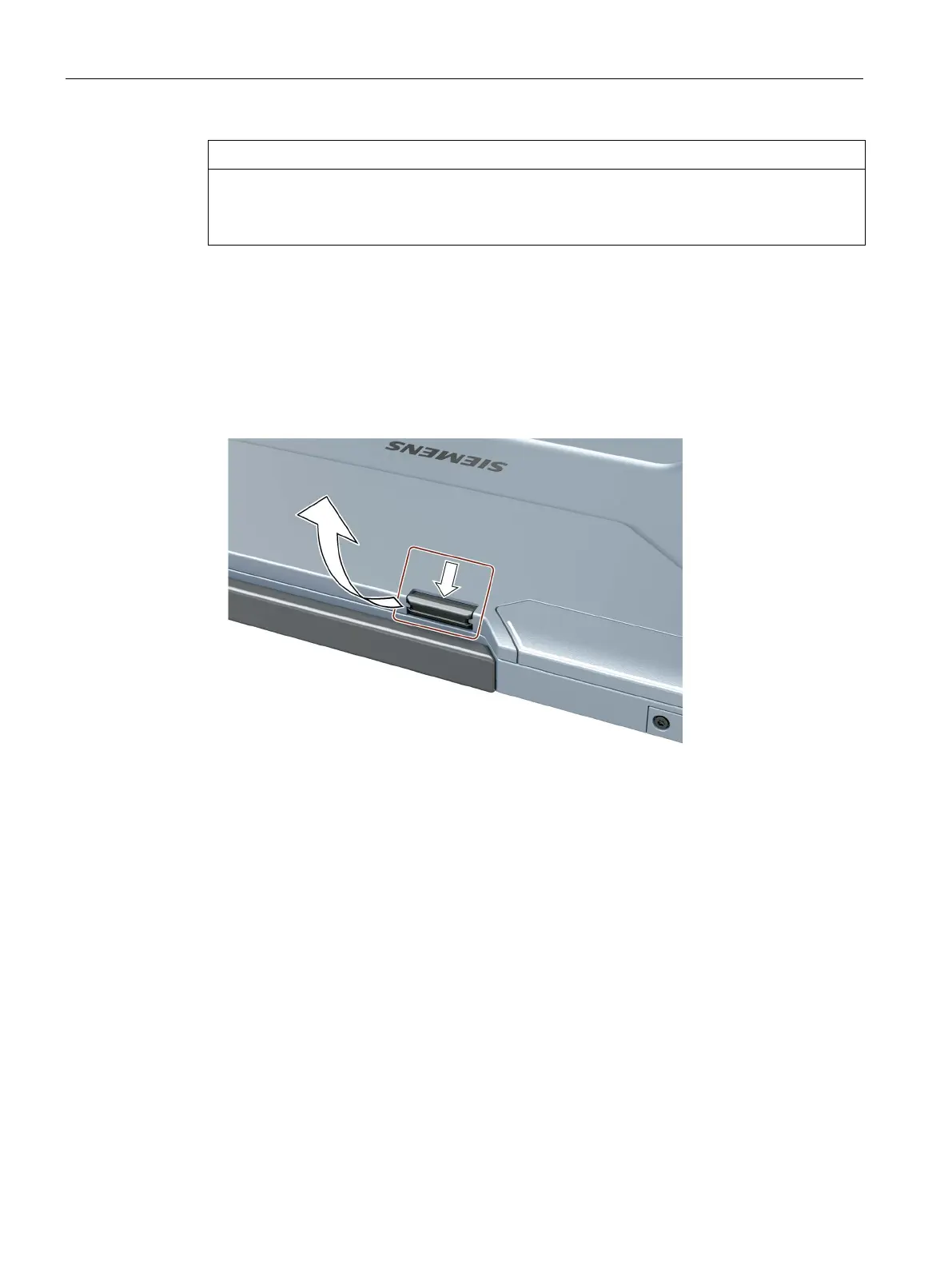
• Open the display by pressing the display latch, see marking:
• Flip the display open and adjust it to a convenient viewing angle. The display can be
adjusted to any angle of inclination between 0 ... 170
o
.
• You can adjust the brightness of the display, see section "Hotkeys (Page 21)".



 To Next Page