SIGLENT
92 SDG2000X User Manual
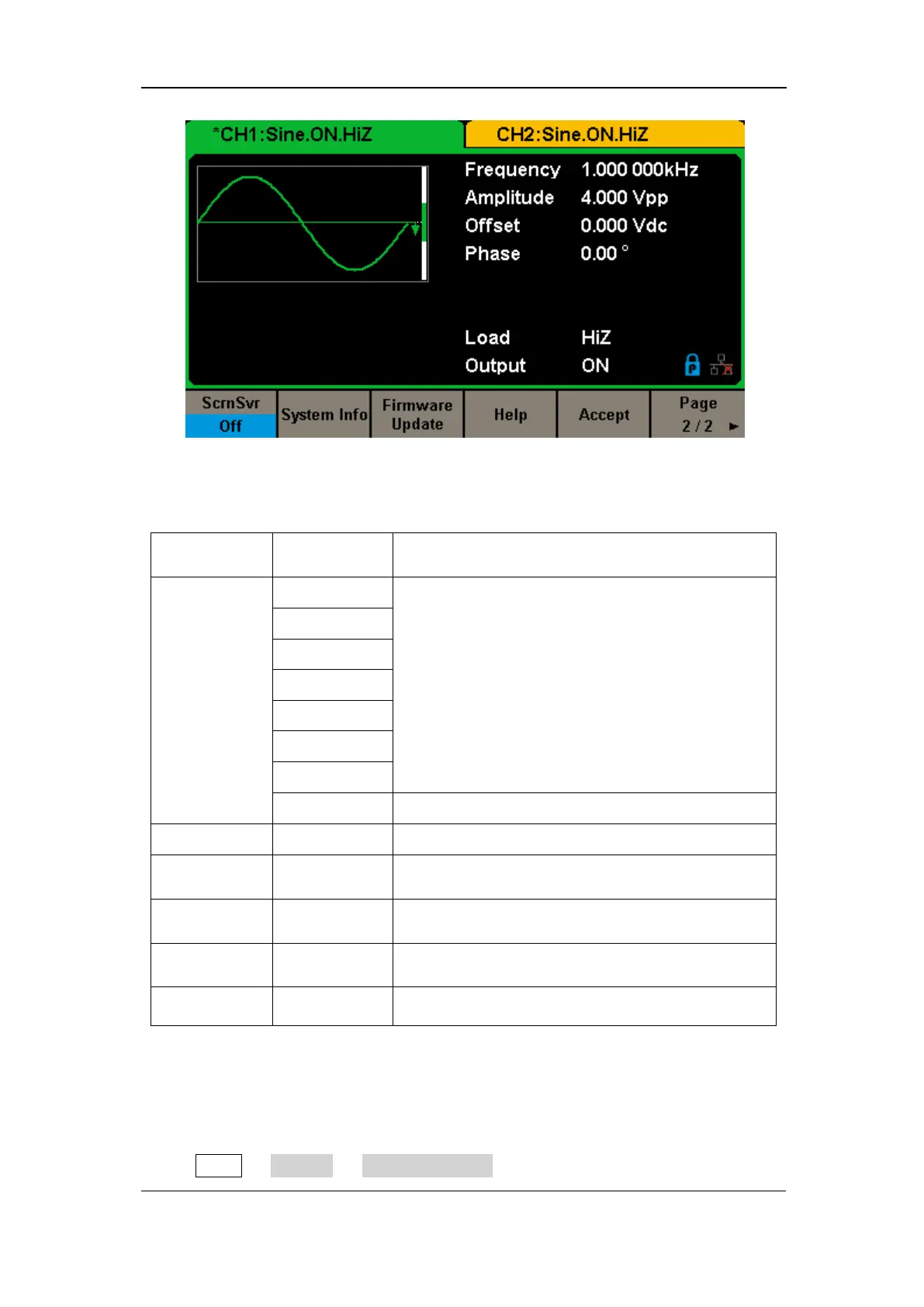
Figure 2-49 System Setup Interface (Page 2/2)
Table 2-30 Menu Explanations of System Setup (Page 2/2)
Enable or disable the screen saver.
Disable the screen saver.
View the system information
Update the firmware by the U-disk.
Update the bandwidth of the generator.
Save the current settings and return to the Utility
menu.
Return to the previous page.
1. Number Format
Press Utility → System → Number Format, to enter the following interface.



 To Next Page