SIGLENT
SDG2000X User Manual 93
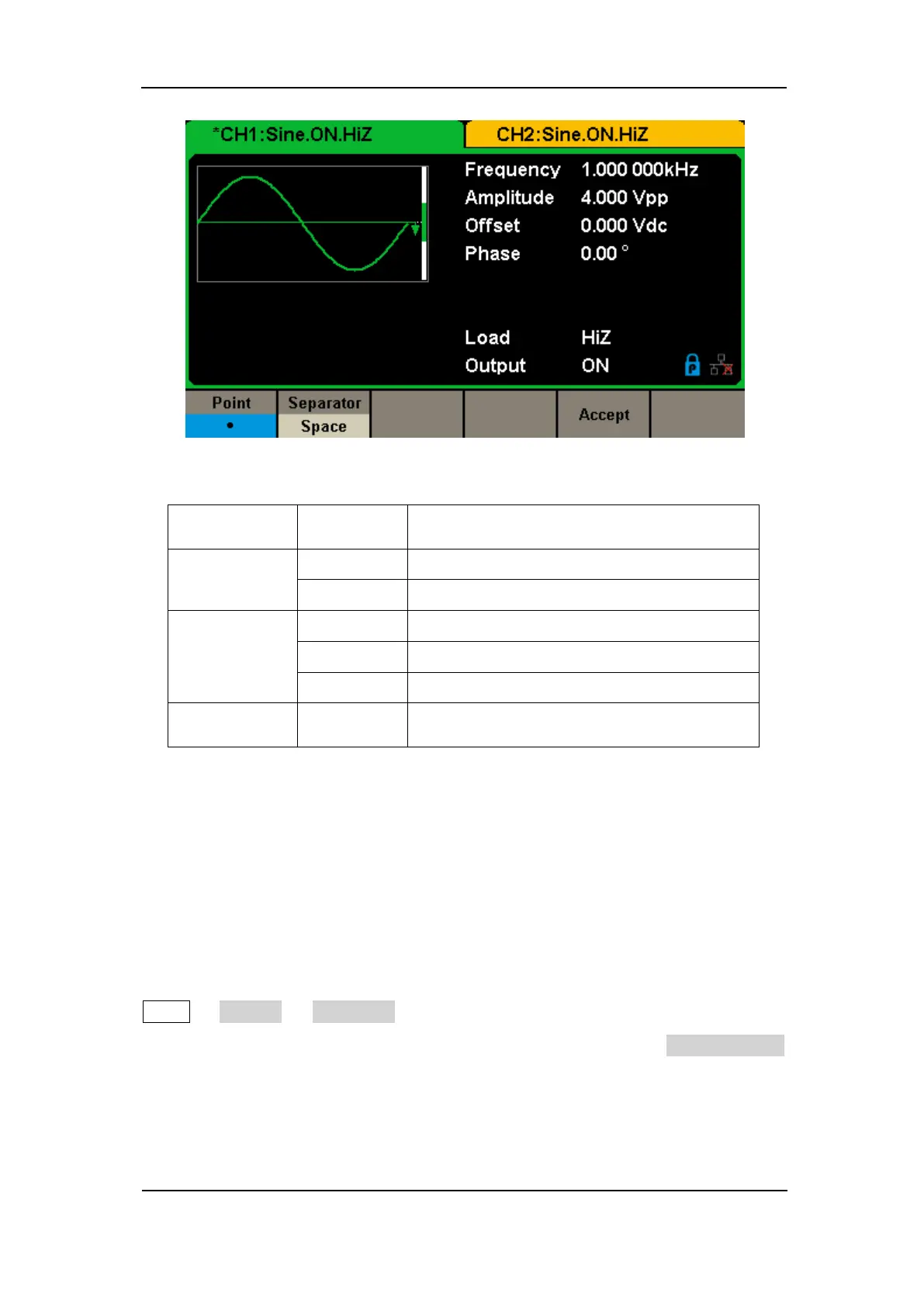
Figure 2-50 Set the Number Format
Table 2-31 Menu Explanations of Setting the Number Format
Use dot to represent decimal point;
Use comma to represent decimal point.
Use Space as the separator.
Save the current settings and return to the
System menu.
According to the different choices of the decimal point and the separator, the
format can have various forms.
2. Language Setup
The generator offers two languages (English and Simplified Chinese). Press
Utility → System → Language, to select the desired language. This setting is
stored in non-volatile memory and will not be influenced by the Set To Default
operation.
English Interface



 To Next Page