SIGLENT
SDG2000X User Manual 101
Figure 2-58 Screen Test Interface
2. Key Test
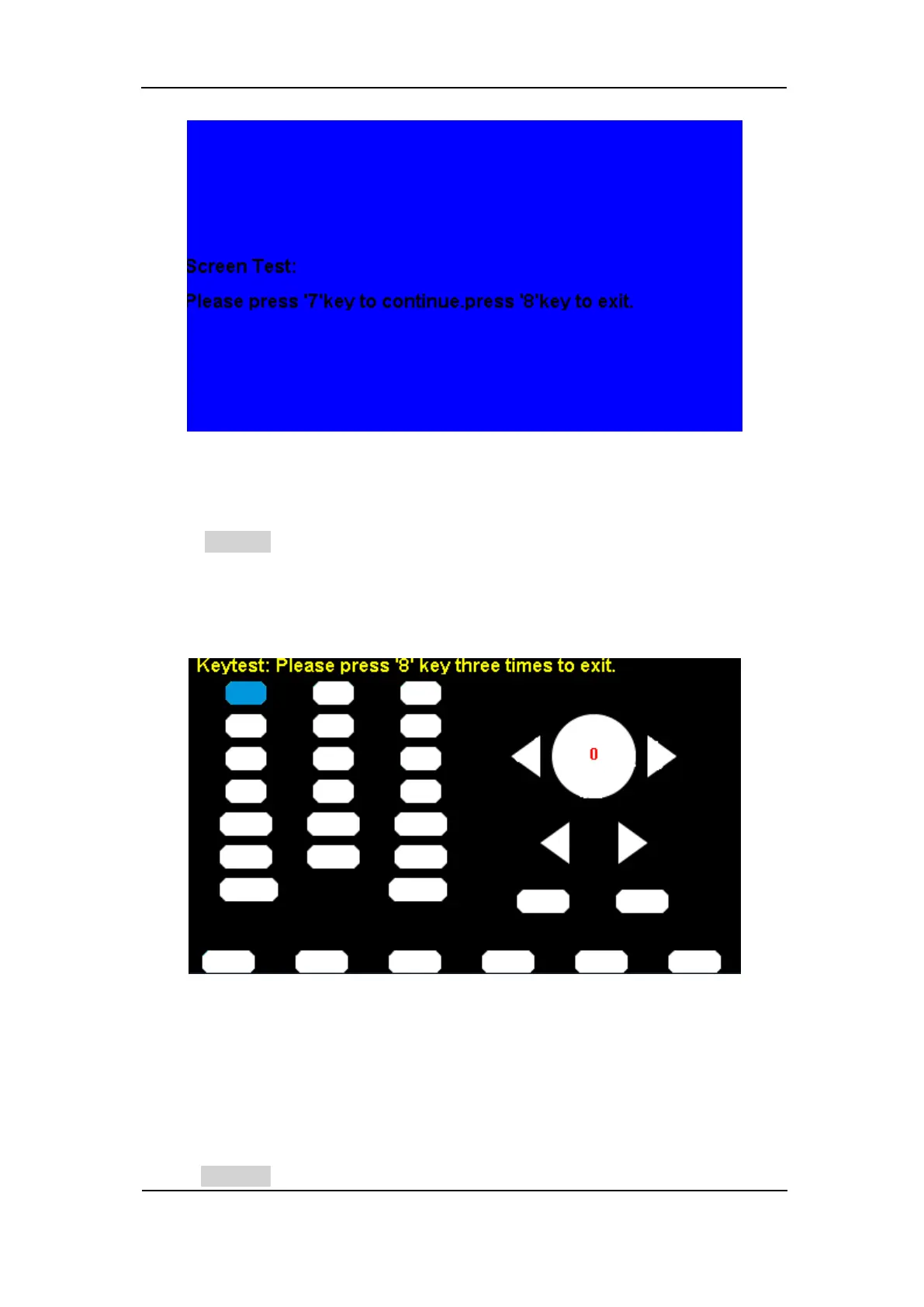
Select KeyTest to enter the keyboard test interface, the on-screen white
rectangle shapes represent the front panel keys. The circle between two
arrows represents the knob. Test all keys and knob and also verify that all the
backlight keys illuminate correctly.
Figure 2-59 Key Test Interface
The corresponding area of tested keys or knob would display in blue color.
The top of the screen displays ‘Please press ‘8’ key three times to exit.’
3. LED Test
Select LEDTest to enter the LED test interface, the on-screen white rectangle



 To Next Page