SIGLENT
102 SDG2000X User Manual
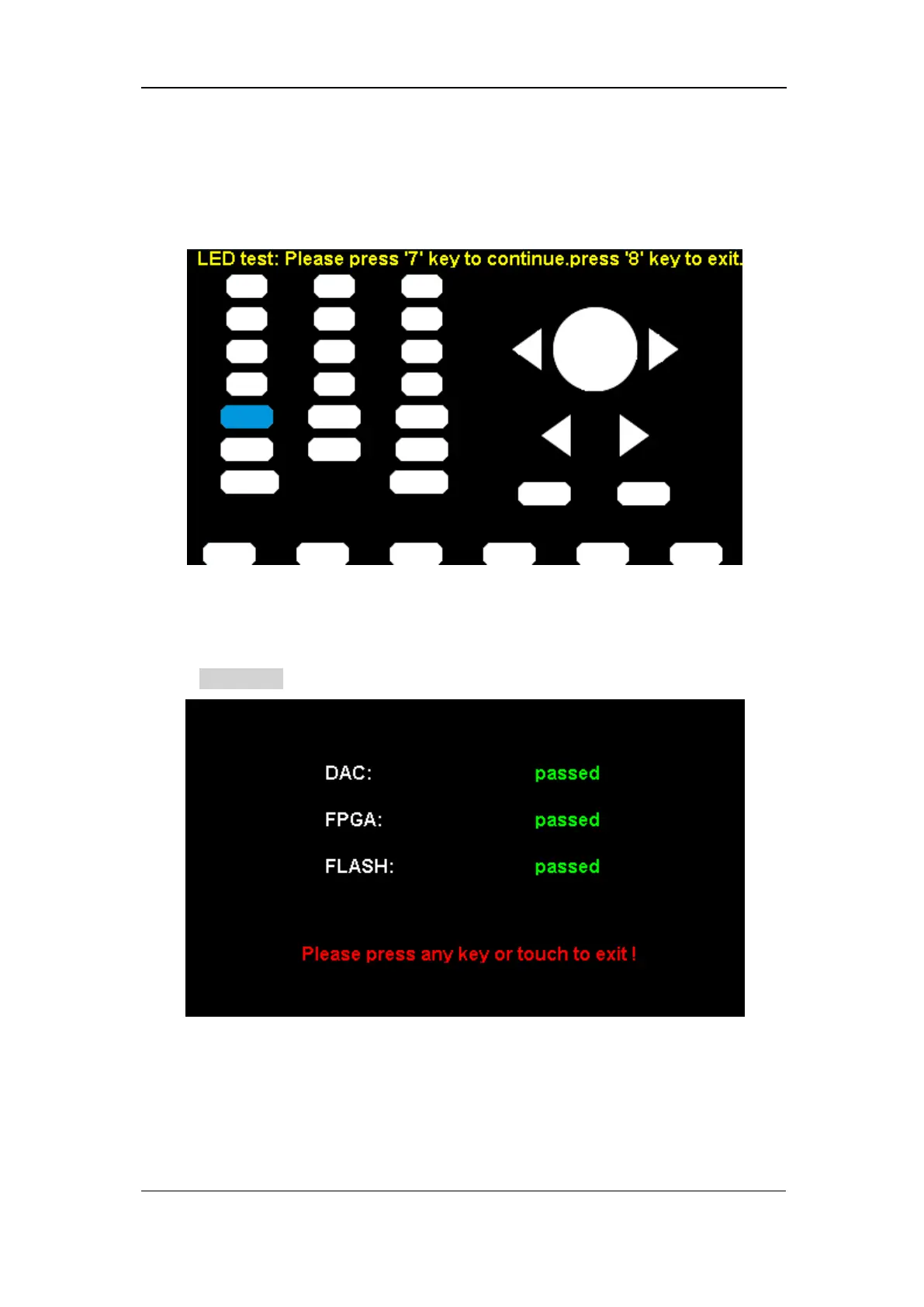
shapes represent the front panel keys. The prompt message ‘Please press ‘7’
Key to continue, press ‘8’ Key to exit.’ is displayed. Press the ‘7’ key
continuously for testing and when a key is lighted, the corresponding area on
the screen will display in blue color.
Figure 2-60 LED Test Interface
4. Board Test
Select BoardTest to enter the following interface.
Figure 2-61 Board Test Interface
Touch Adjust
Use the function regularly to calibrate the touch screen, which makes it more
accurate when the finger or touch pen touches the screen and avoids any



 To Next Page