SIGLENT
SDG2000X User Manual 103
misoperation.
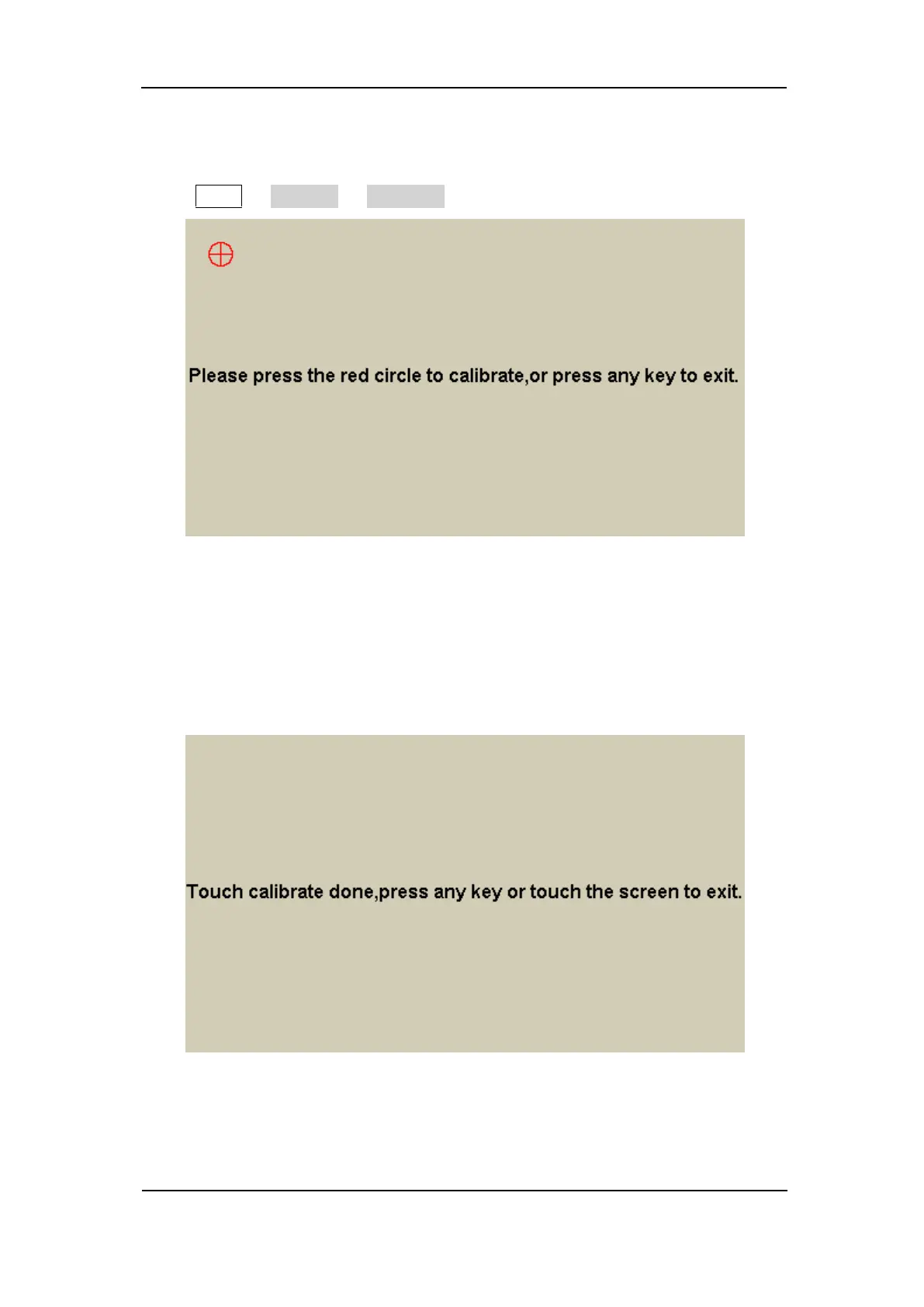
Press Utility → Test/Cal → TouchCal, to enter the following interface.
Figure 2-62 Touch Adjust Interface
According to the message, click the red circle on the upper left corner, upper
right corner, lower left corner and lower right corner of the screen in sequence.
After touch calibration is done, the system will display the following tip. Then
press any key or touch the screen to exit the current interface.
Figure 2-63 Touch Adjust Done



 To Next Page