SIGLENT
SDG2000X User Manual 105
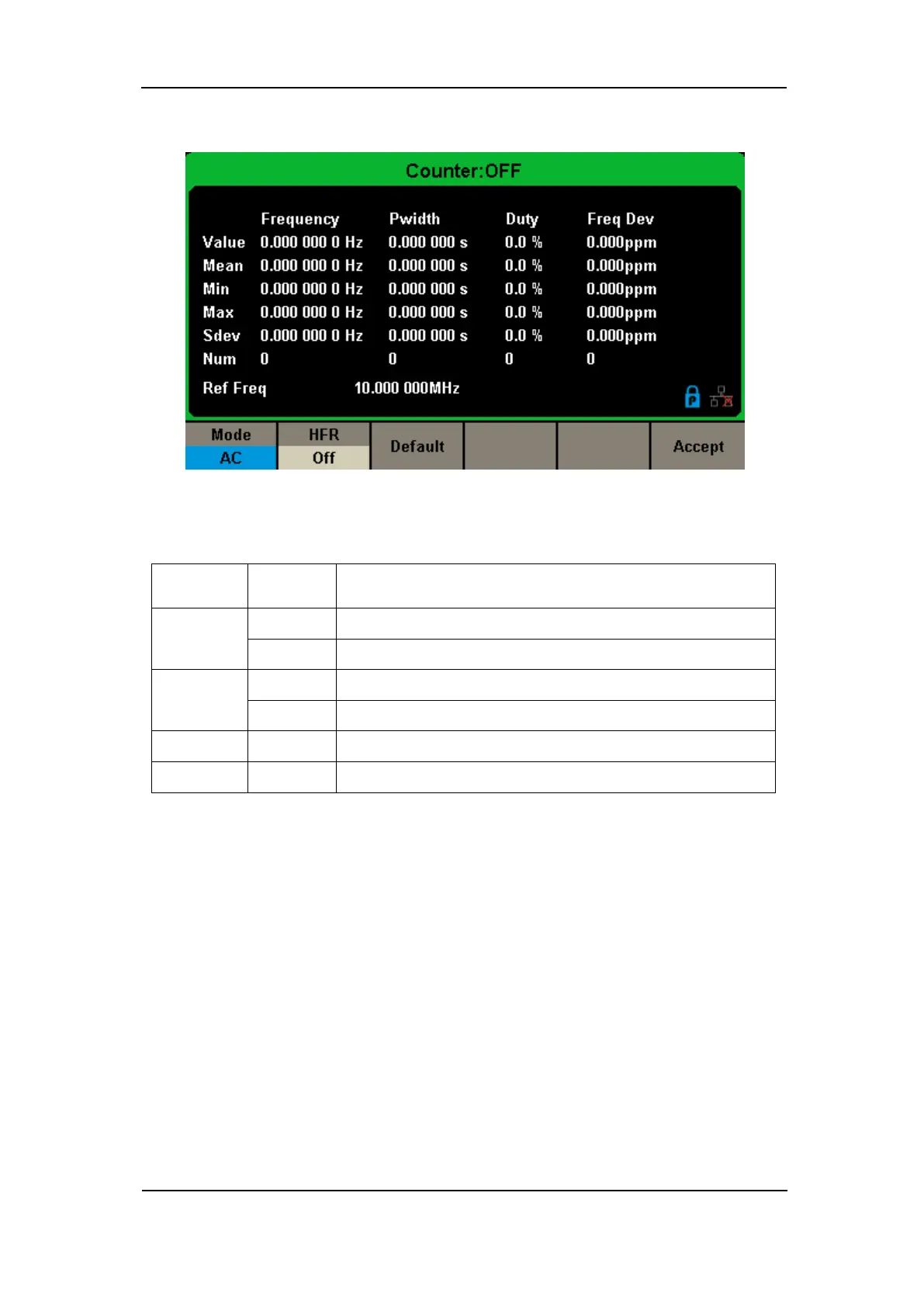
Figure 2-65 Counter Setup Interface
Table 2-36 Menu Explanations of Setup
Set the coupling mode to DC
Set the coupling mode to AC
Open the high frequency rejection filter.
Close the high frequency rejection filter.
Set the frequency counter settings to default.
Save the current settings and return to the previous menu.
1. To Select the Parameters to be measured
The frequency counter on the SDG2000X can measure parameters including
frequency, period, duty, positive pulse width and negative pulse width.
2. Reference Frequency
System will calculate the deviation between the measured frequency and the
reference frequency automatically.
3. Trigger Level



 To Next Page