24
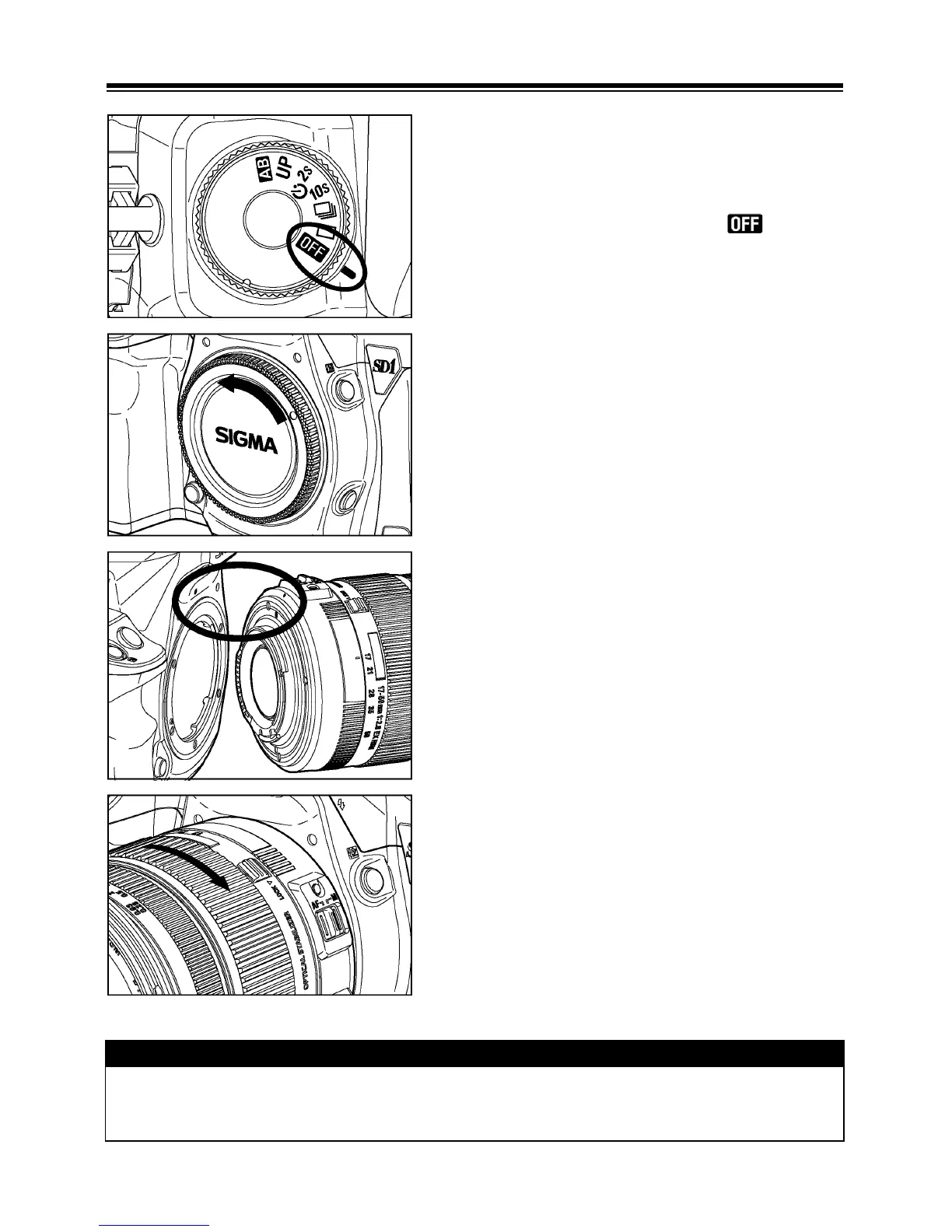
MOUNTING AND REMOVING THE LENS
1
Make sure the D-dial is set to (Power
Off position).
2
Remove the camera body cap and the rear
cap of the lens’.
3
Align the white mark on the camera’s mount
with the red dot on the lens. Insert the lens
into the mount of the camera and rotate the
lens clockwise until it clicks into the locked
position.
CAUTION !!
• To ensure a proper connection, do not hold down the lens lock button while
mounting the lens.



 To Next Page