38
When you select
(Custom) from [White Balance], the current stored setting
in [Custom WB] will be used.
It is not possible to capture a new custom white balance from
(Custom) in
Quick Set Menu. Please capture a new custom white balance from [
Capture
Settings] (P. 28 ) → [Custom WB].
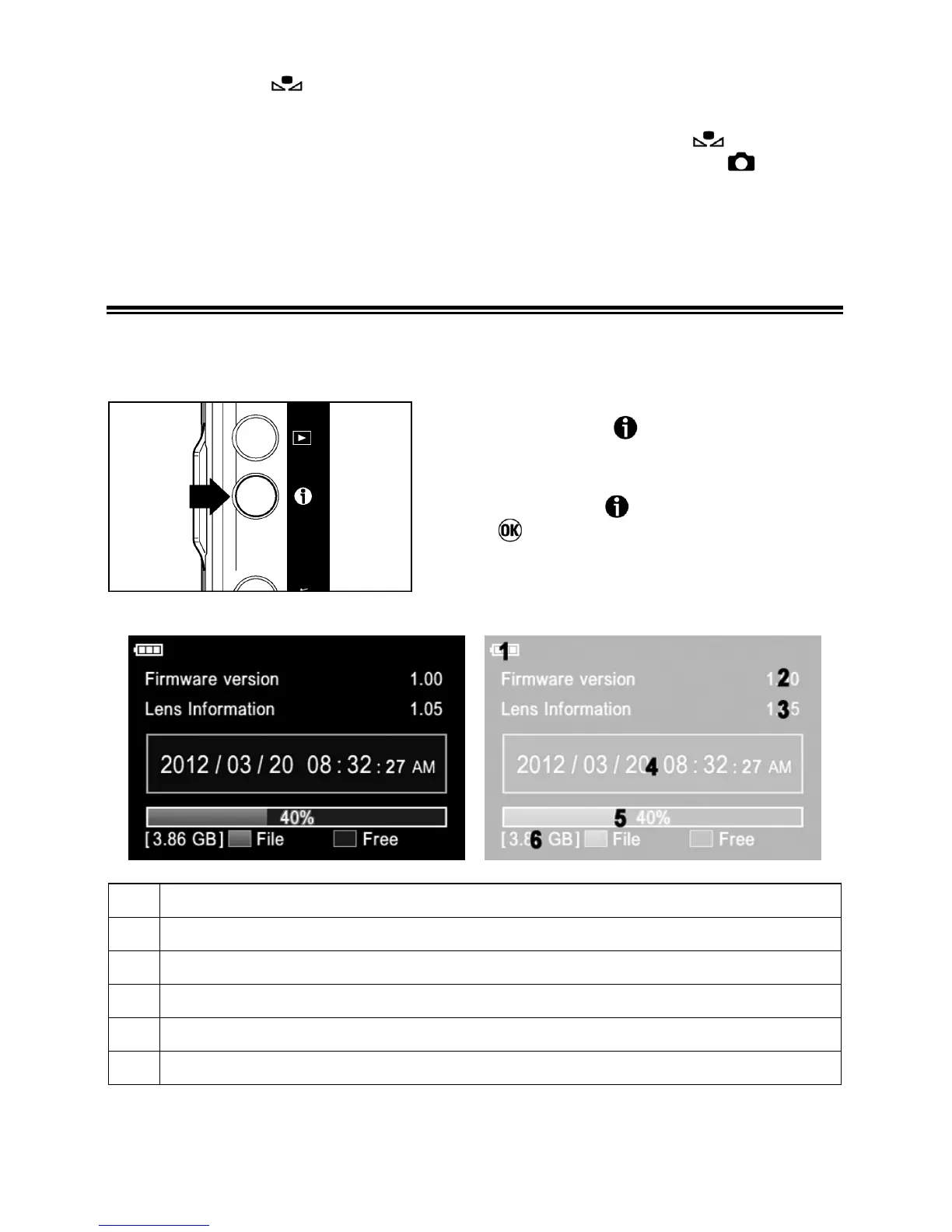
CAMERA INFO PAGE
Some information such as camera firmware version and total capacity of the
card is displayed in the Camera Info Page.
z By pressing the
button (except when
reviewing images), the Camera Info Page
is displayed.
z By pressing the
button again, pressing
the
button or pressing the shutter
button halfway, the color LCD monitor is
turned off.
1 Battery Level Indicator
2
Current camera firmware version
3
Current lens information version
4
Date/Time
5 Used capacity
6
Total capacity of the Card



 To Next Page