4. How to Congure (SD-300)
47
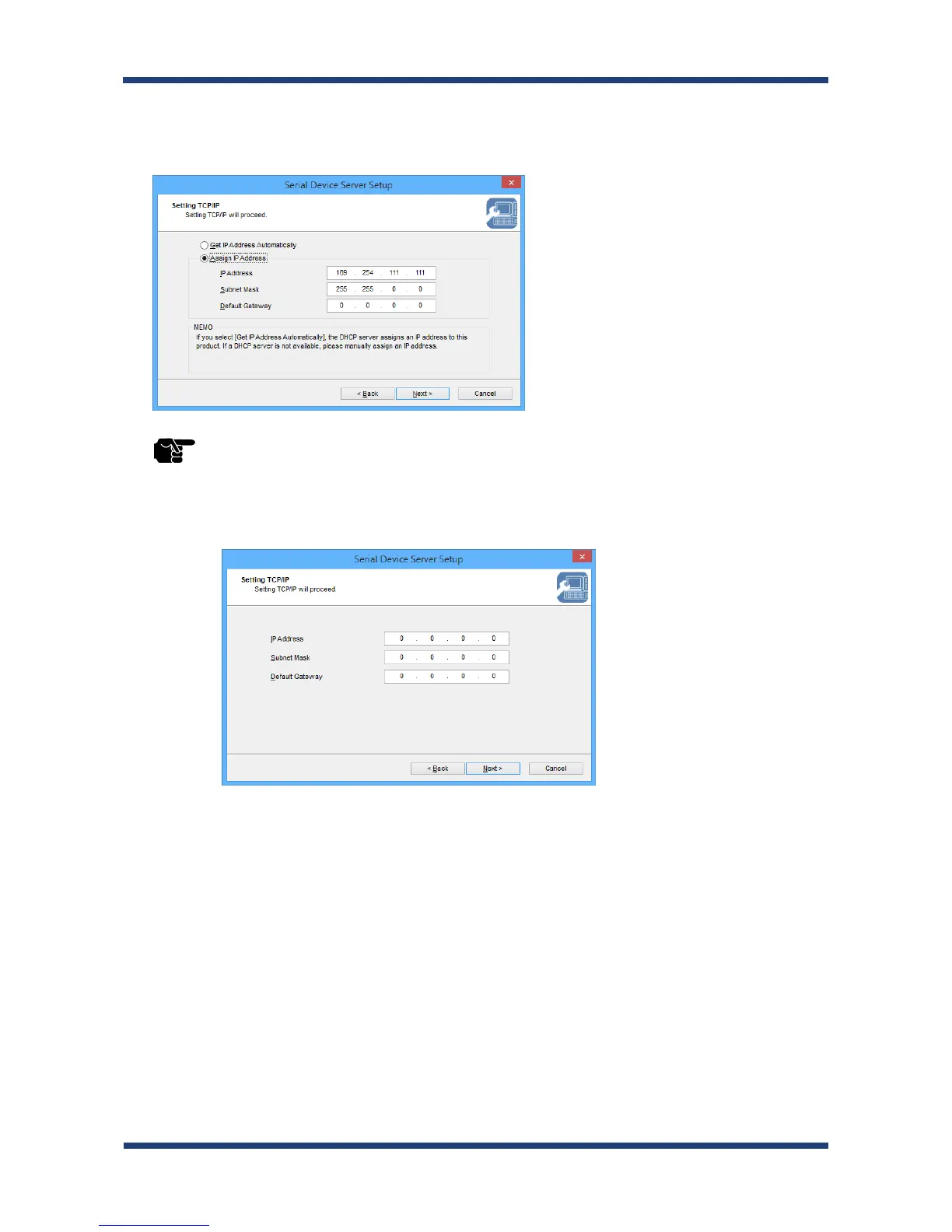
<< Assign an IP address manually >>
Select Assign IP Address and enter an IP address. Click Next.
* The IP address used in the screen above is a sample address. Please enter an IP address appropriate for
your environment.
* Enter a Subnet Mask and Default Gateway if necessary.
* If there are no DHCP servers on your network and the IP address of your PC is assigned manually, the
screen below will be displayed. Please congure an IP address appropriate for your environment.
TIP


 To Next Page
 Loading...



