48
SD-300/SD-320AN User's Manual
8.
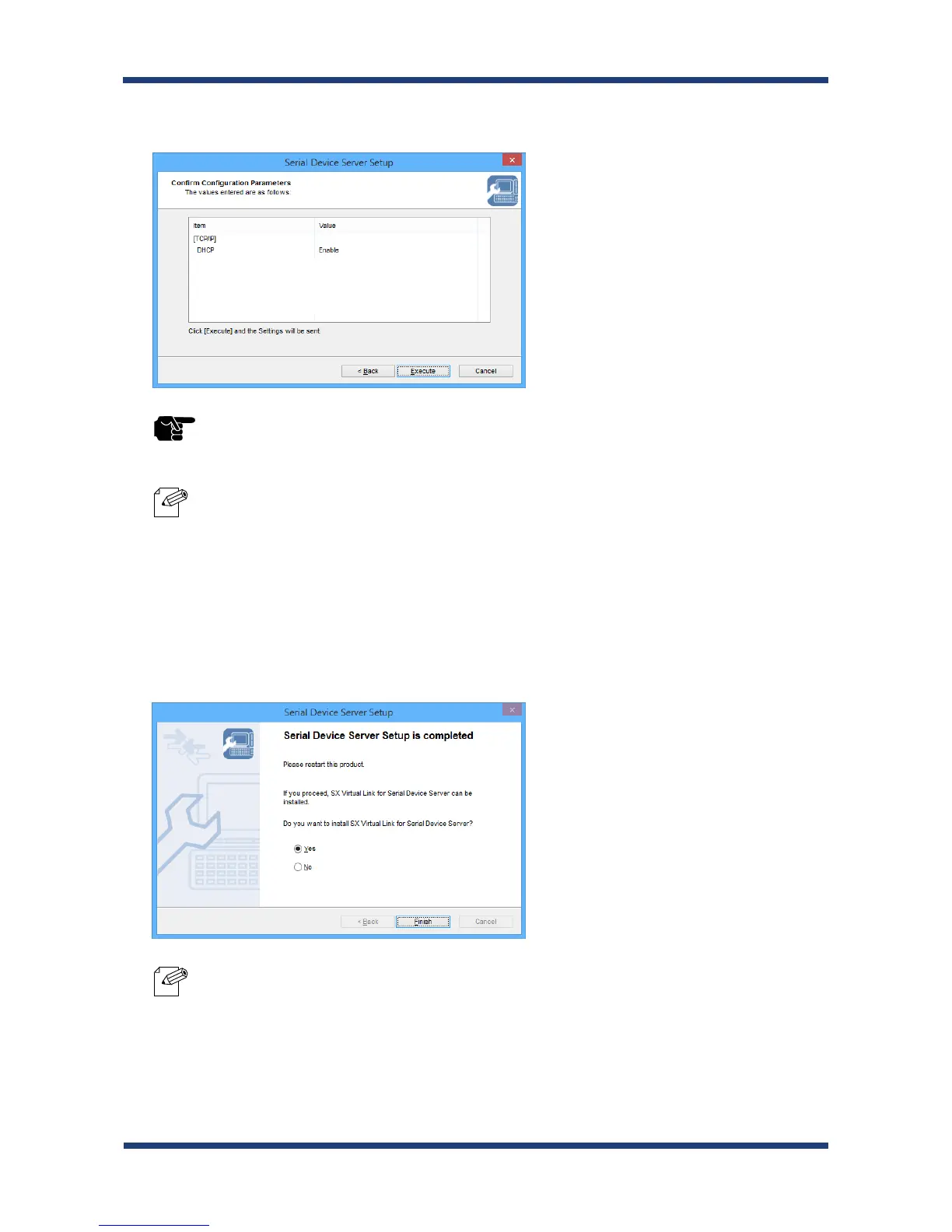
Check the settings and click Execute.
* If an error occurs after clicking Execute, please refer to Communication error occurs when conguring
with Serial Device Server Setup. in 8-1. Problems During the Setup.
* The information displayed in this screen will vary depending on the items you have congured.
9.
Select Yes and click Finish.
Continue to install the SX Virtual Link for Serial Device Server. For details on the
installation, refer to Install Application.
After the installation is nished, go on to 10.
* When No is selected, go on to 10.
TIP
Note
Note



 To Next Page