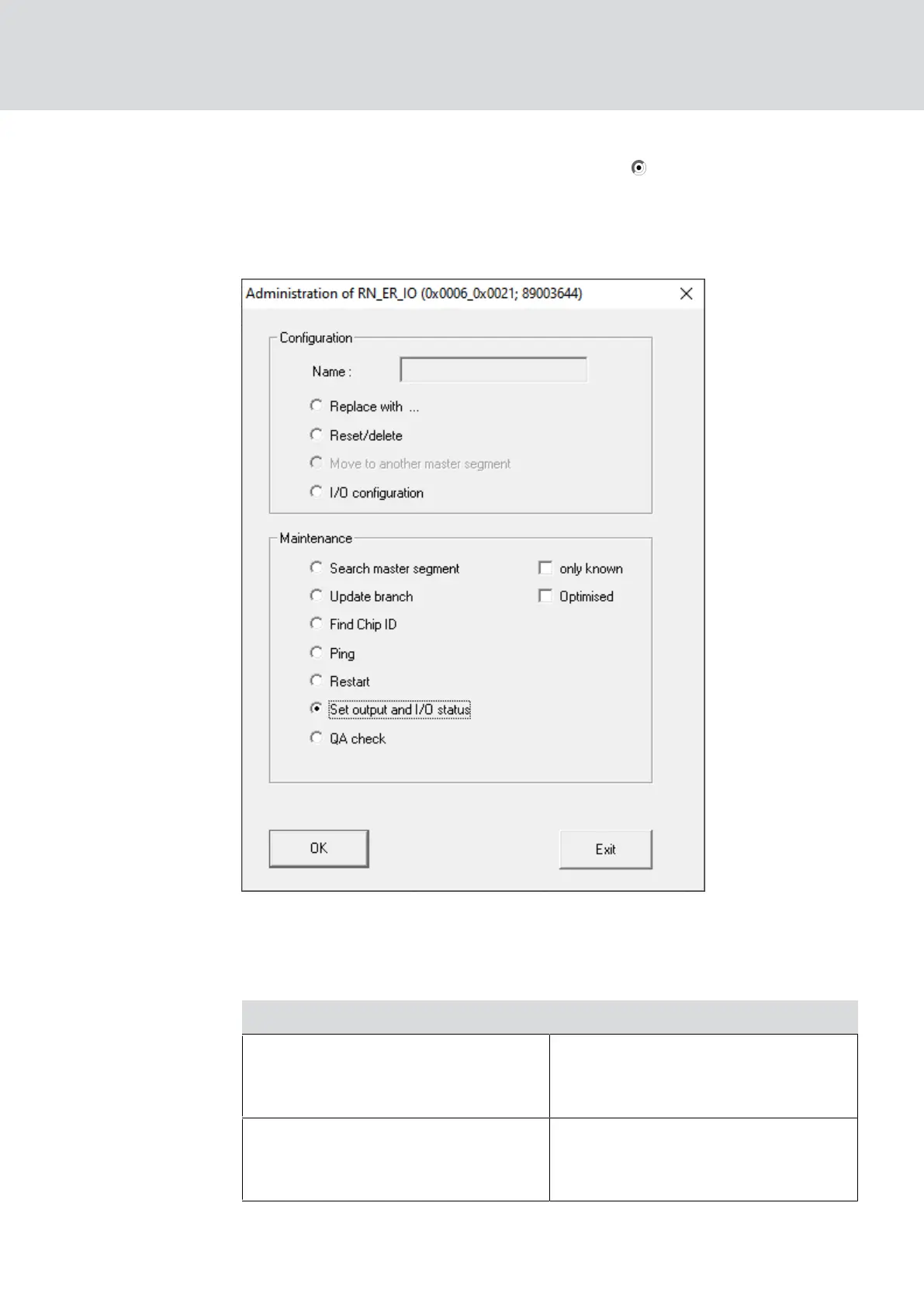
2. In the area "Maintenance" select the option Set output and I/O
status.
9 The "Administration" window closes.
9 The window "I/O status" opens.
Status of the inputs
In the area "Status of inputs" you can see the status of the inputs (valid for
RN and RN2):
Status of the inputs Meaning
Off
There is no signal at the input. The
applied voltage is lower than the
reference voltage.
On
A signal is present at the input. The
applied voltage is higher than the
reference voltage.
WaveNet (Manual)
5. WaveNet Manager
181 / 210



 To Next Page