Option Application situation
Add: IP or USB router
Use this option if you specifically want to add a
RouterNode with Ethernet interface to your
network. You must know the IP address
(static / reserved) or the host name (DHCP).
These can also be located in a different subnet.
Find IP or USB router
ü RouterNode connected to the network.
ü WaveNet Manager opened via LSM (see
Best Practice: From the LSM
software [}37]
)
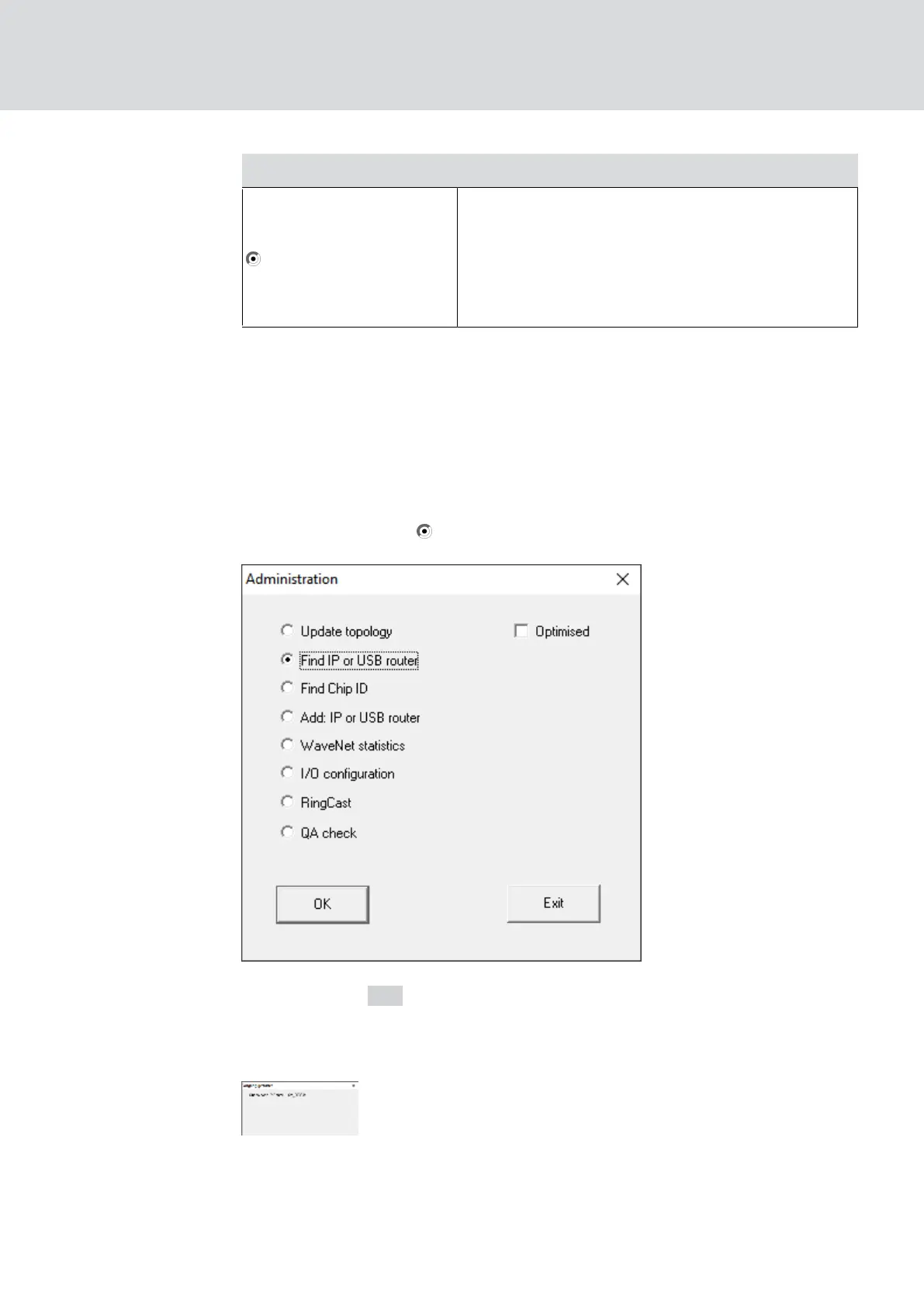
1. Right-click on the WaveNet_XX_X entry.
9 The window "Administration" opens.
2. Select the option Find IP or USB router.
3. Click on the OK button.
9 The "Administration" window closes.
9 The "Procedure started" window opens temporarily.
9 The window "Use host names?" opens.
WaveNet (Manual)
5. WaveNet Manager
54 / 210



 To Next Page