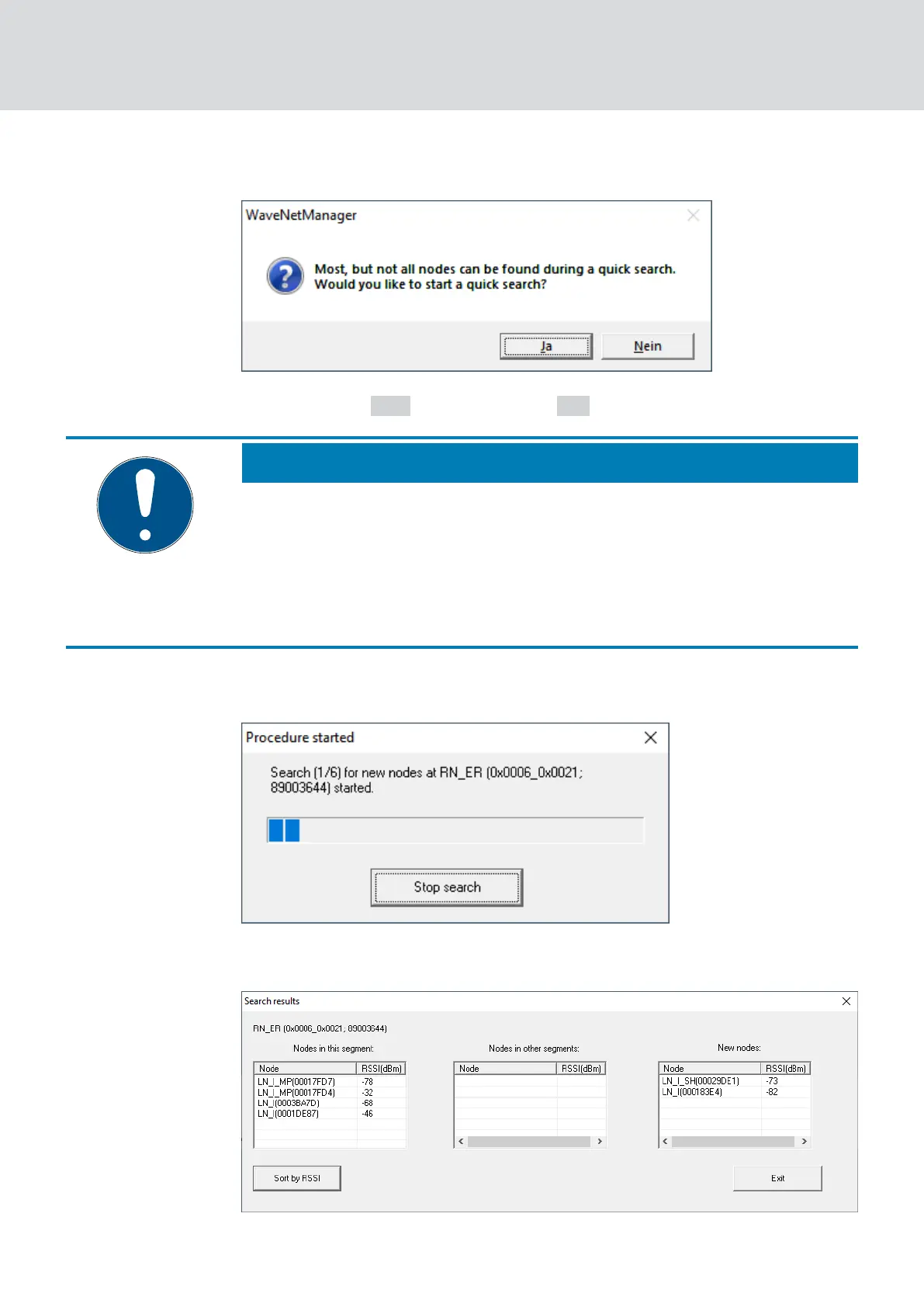
9 The window "WaveNetManager" opens.
5. Click button Yes (quick search) or No (regular search).
NOTE
Quick search
If you perform a fast search, the RouterNode will only send a single broad-
cast. If you perform a regular sweep, the RouterNode sends a total of six
broadcasts. The quick search is completed faster, but the normal scan is
more thorough and finds LockNodes that were not reached during a quick
search.
9 The "WaveNetManager" window closes.
9 The "Procedure started" window opens temporarily.
9 The window "Search results" opens.
WaveNet (Manual)
5. WaveNet Manager
62 / 210



 To Next Page