4. In the drop-down menu ▼ Communication nodes select the communica-
tion node in the LSM that you want to use for the RouterNode (for cre-
ation, see
Finding and adding devices [}48]
or LSM manual).
5. Click on the OK button.
9 The "Assignment" window closes.
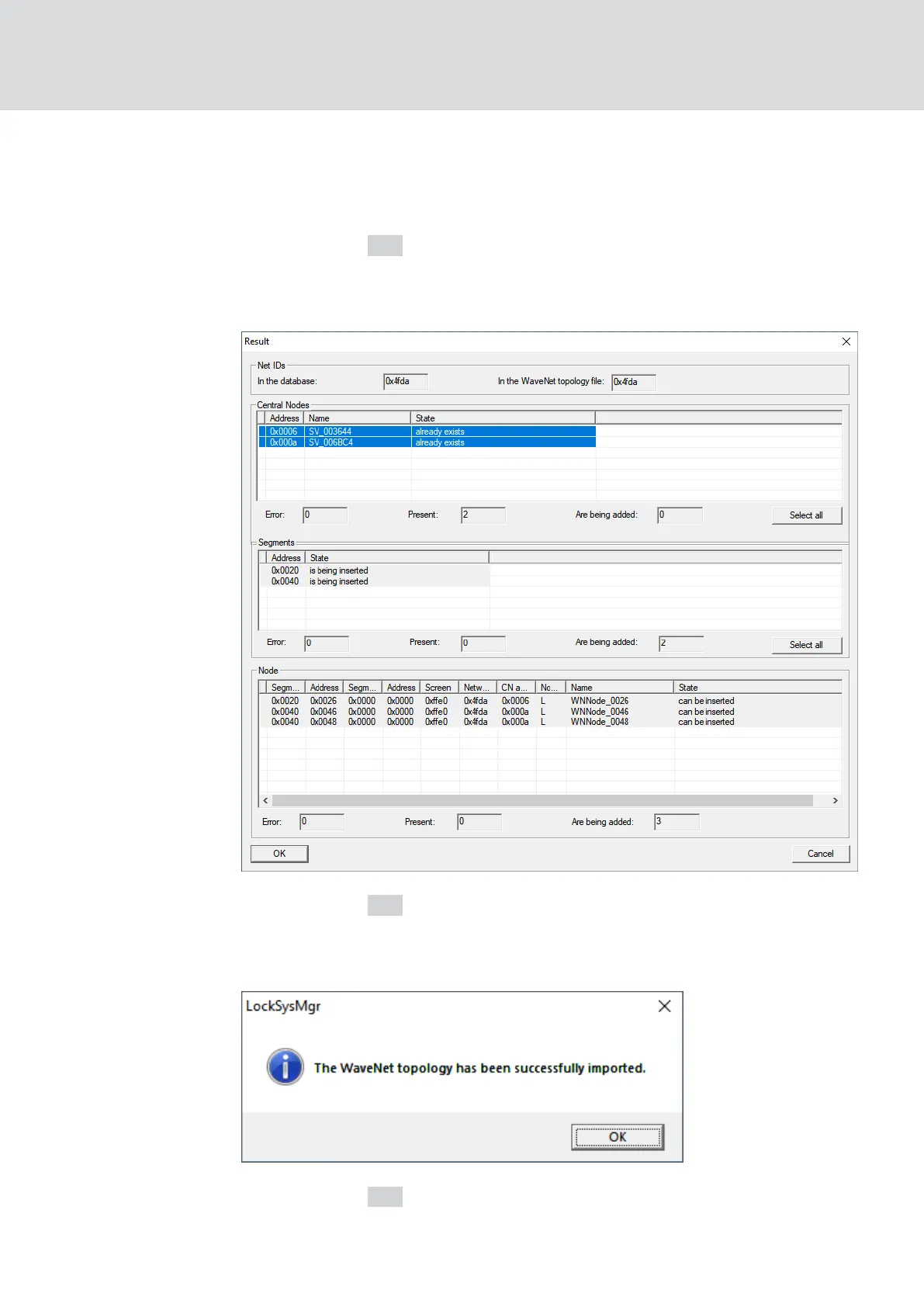
9 The window "Result" opens.
6. Click on the OK button.
9 The "Result" window closes.
9 The window "LockSysMgr" opens.
7. Click on the OK button.
9 The "LockSysMgr" window closes.
WaveNet (Manual)
5. WaveNet Manager
65 / 210



 To Next Page