Outputs Inputs (digital) Input (analogue)
Respond to identification me-
dia or acknowledge completed
reactions that were triggered
by the digital inputs. Switch
the outputs depending on de-
tected identification media
(see
RouterNode: Digital out-
put [}74]
).
Respond to changes in the
status of the digital inputs.
Trigger a reaction at the con-
nected locks (see
RouterNode:
Digital input [}77]
).
Respond to status changes at
the analog input. Trigger an
event in the LSM (see
Router-
Node: Analogue input
[}82]
).
The Set output and I/O status option shows you the current status and
the result of the last responses (see
IO Status and LockNode
responsiveness [}179]
).
Single RouterNode
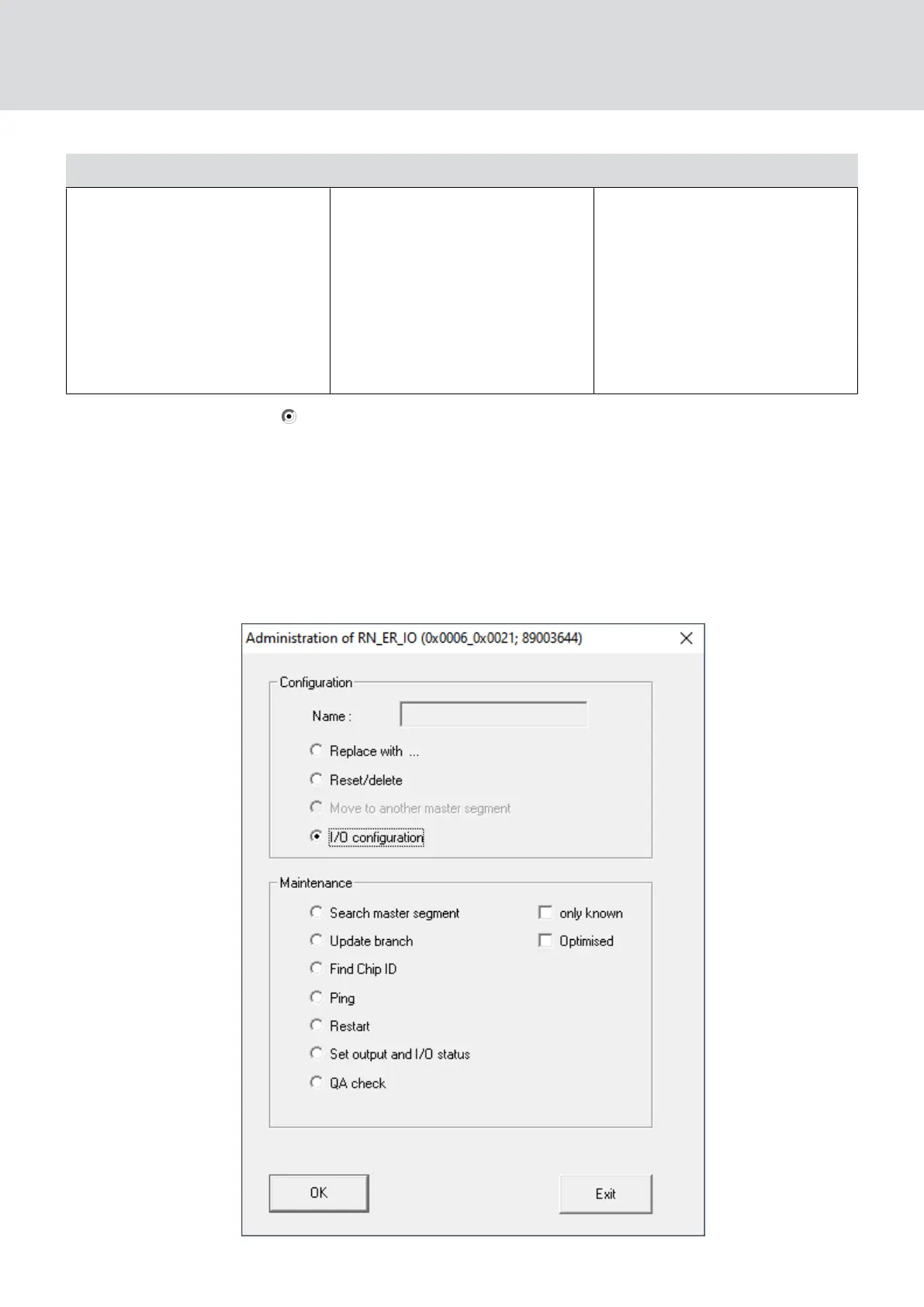
1. Right-click on the entry of the router node whose I/O configuration you
want to change.
9 The window "Administration" opens.
WaveNet (Manual)
5. WaveNet Manager
69 / 210



 To Next Page