You use the drop-down menu ▼ Protocol generation to specify the protocol
generation of the locking system.
The LockNodes address the locking devices with the locking system
password. You should therefore enter your locking system password.
Click the button Password hidden , to prevent your password from being
displayed in plain text during entry.
RouterNode: Analogue input
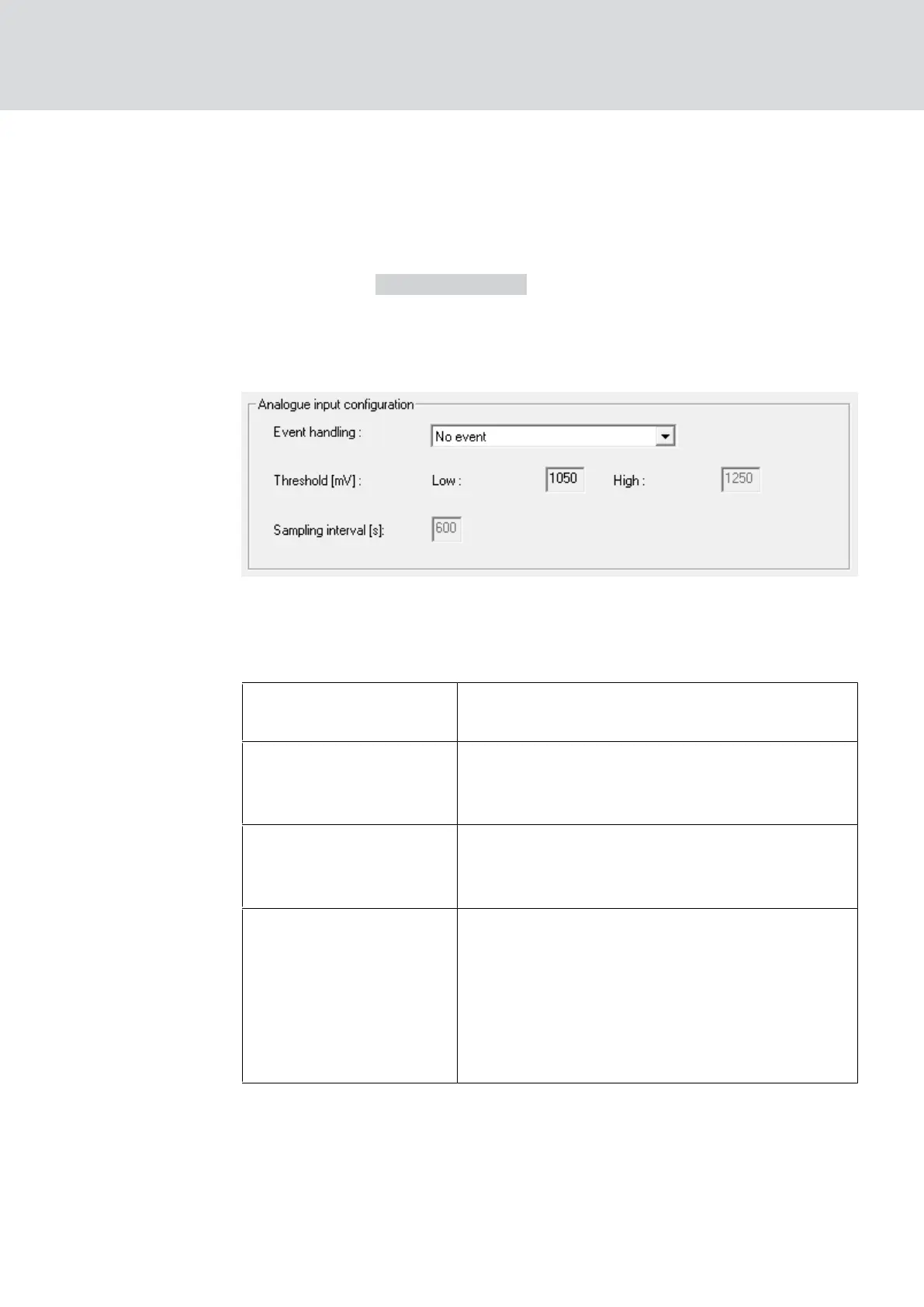
In the drop-down list ▼ Event handling you can set when a voltage change
at the analogue input of the RouterNode triggers an event (see
RouterNode: Digital output [}74]
).
"No event"
Standard entry: The RouterNode does not re-
spond to an applied signal.
"If too high"
If the voltage applied rises, it will at some point
exceed the threshold value for exceeding it. At
this moment the event is triggered.
"If too low"
If the applied voltage decreases, then at some
point it falls below the threshold for falling be-
low. At that moment, the event is triggered.
"If too high/too low"
If the applied voltage changes and the follow-
ing scenarios occur, then the event is triggered.
Voltage drops and falls below the threshold
value to fall below
Voltage rises and exceeds the threshold
value for exceeding
With the sampling interval you can specify how often the applied signal is
compared with the threshold values.
WaveNet (Manual)
5. WaveNet Manager
82 / 210



 To Next Page