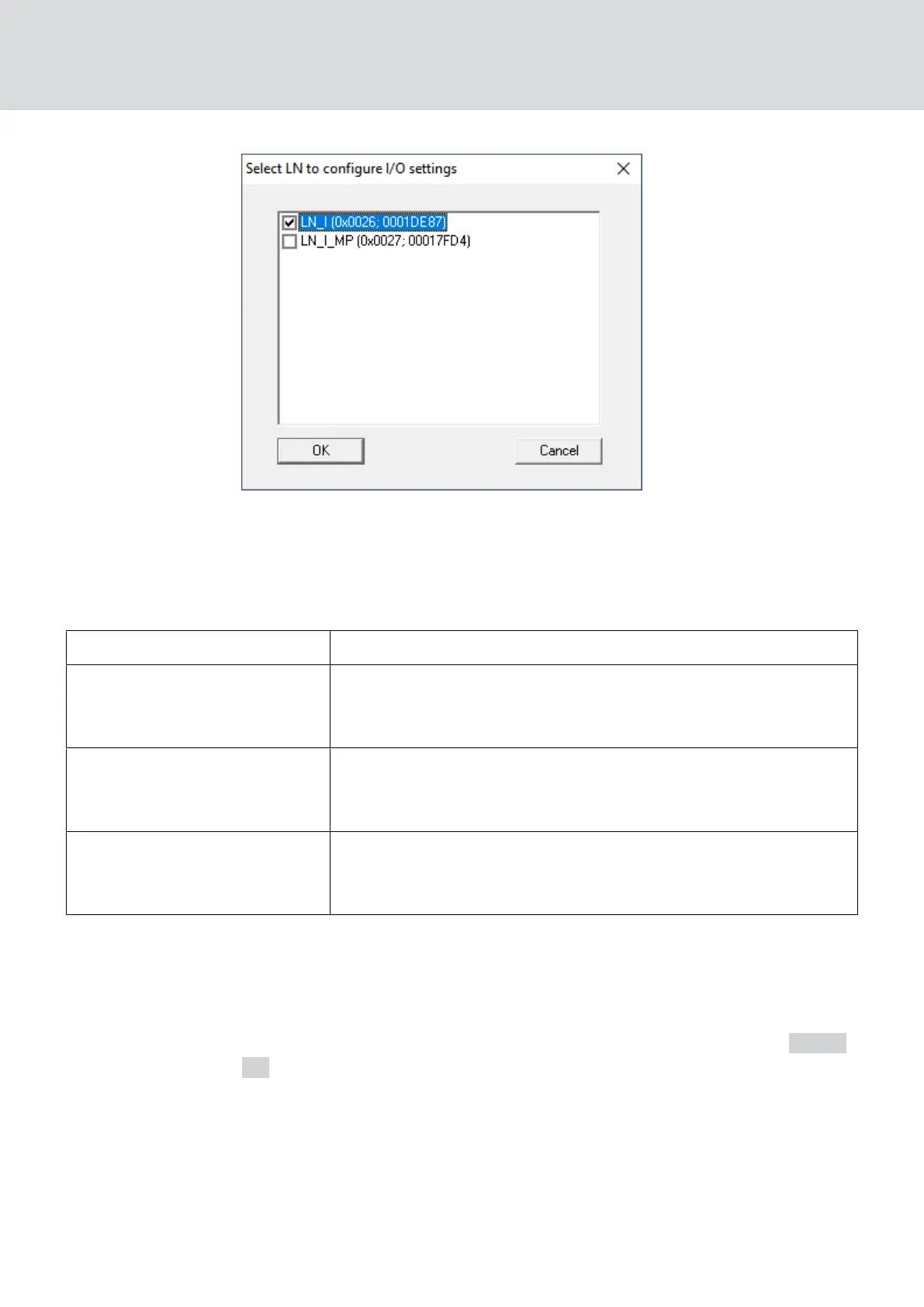
In LSM, you can react to the forwarded event using the Event manager.
In the ▼ Report events to management system dropdown list (WNM IO
Config), you can set which events at the LockNodes selected previously are
forwarded to LSM:
"None" Default entry. There is no event and no forwarding.
"Authorised"
Authorised access attempts at the marked locks (LockNodes)
are forwarded to the LSM (= event that is forwarded to the
LSM).
"Unauthorised attempt"
Unauthorised access attempts at the marked locks
(LockNodes) are forwarded to the LSM (=event that is forwar-
ded to the LSM).
"All LN events"
Authorised accesses and unauthorised access attempts at the
marked locks (LockNodes) are forwarded to the LSM (=event
that is forwarded to the LSM).
Alternatively, you can also set directly on the LockNodes whether the
LockNodes forward events to the RouterNode (see
LockNode [}84]
).
Select the event here that triggers forwarding to LSM. If the event specified
here ("Authorised"
, "Unauthorised attempt" or "All LN events") occurs at
the locking devices (LockNodes) that you have previously defined (
Select
LN ), the event is forwarded to the LSM.
WaveNet (Manual)
5. WaveNet Manager
76 / 210



 To Next Page