To: RN2-3
Input 1: 10
RN2-3
Input 1: 10
Input 2: 6
Input 3: 12
Target partner
RN2-4
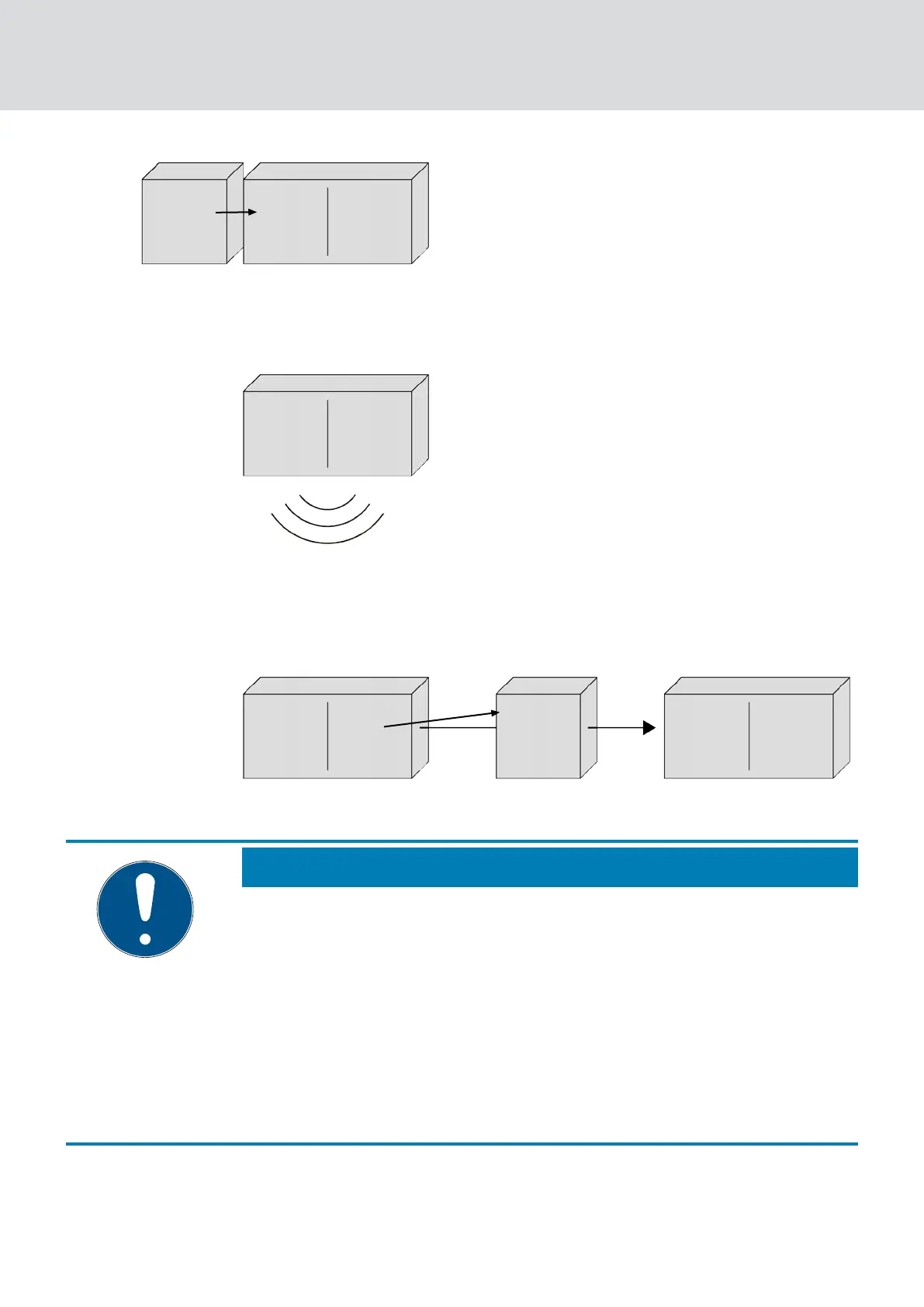
5. Perform broadcast: Five seconds (One second for Fast Wake-Up sup-
port, see
Firmware information [}39]
)
RN2-3
Input 1: 10
Input 2: 6
Input 3: 12
Target partner
RN2-4
6. Forward data packet with input signal and input counter reading (Ether-
net or radio, if RouterNode has no Ethernet connection): Max. five
seconds, then abort
Input 3: 12
Input 2: 6
Input 1: 10
RN2-3
RN2-4
Target partner To: RN2-4
Input 1: 10
1. Test (5s) with Ethernet or
radio, if no Ethernet router
RN2-3
Input 1: 9
Input 2: 6
Input 3: 12
Target partner
RN2-5
NOTE
RingCast start only with existing radio connection
The RingCast is set up according to radio accessibility. If the initiator cannot
reach another RouterNode via radio, then the data packet is only sent via
Ethernet to the assigned target partners. Even if the destination partners
could reach further RouterNodes via radio, do not forward the data packet.
The RingCast then ends at the initiator's target partners that can be
reached via Ethernet.
Make sure that the initiator of a RingCast can always establish at least
one wireless connection to another RouterNode of the RingCast.
7. Forward data packet with input signal and input counter reading (radio,
only after failed Ethernet connection attempt of RN2.ER.IO): Max. five
seconds, then abort
WaveNet (Manual)
5. WaveNet Manager
96 / 210



 To Next Page