NANYTE BEAM Manual
NANYTE BEAM Manual BM-001-A3 / V1.1a Page 26 of 33
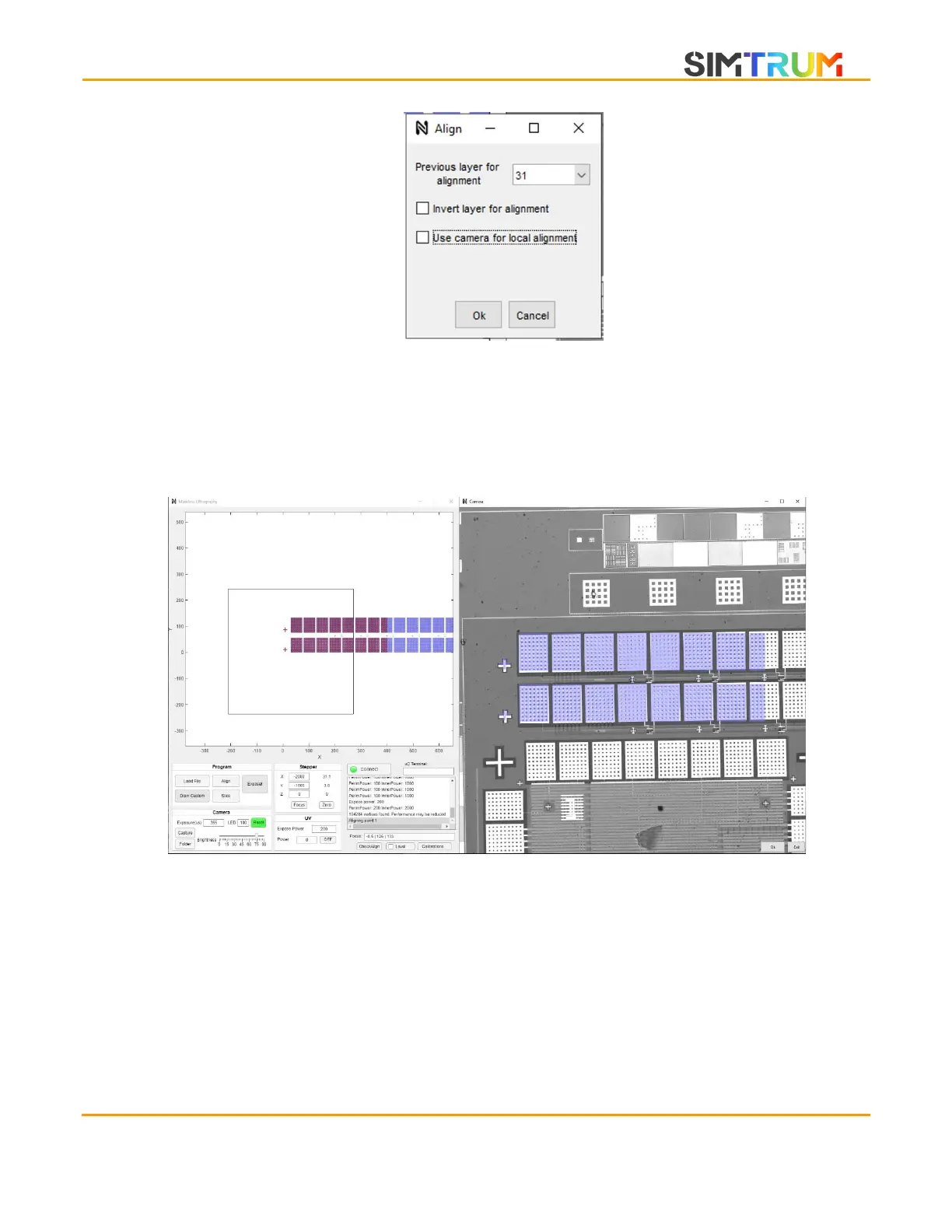
2. Alignment is performed with four points. Hence, it is necessary to repeat the below steps
four times. To perform alignment, navigate the BEAM ENGINE to a feature that you wish
to align to. The feature should be close to the center of the camera window. Next, using
zoom (mouse scroll) and translate (Left-click and drag), locate the corresponding feature
on the preview window. CTRL-click on the feature in the preview window to align to.
3. The selected feature on the preview window turns red to indicate that this part is being
overlaid on the camera window as a translucent blue mask. On the camera window, left
click + drag to shift the mask. The translation is scaled by 4:1 compared to the mouse, so
as to allow precise alignment. A second method to quickly align, is to press the ‘R’ key to
activate the automatic image-based alignment.
4. Although precise rotation is generally not required, you can press the ‘Q’ and ‘E’ keys to
rotate the mask, if fine rotation is required, use the ‘CTRL’ modifier key to rotate in smaller
steps. Once satisfied, click Ok on the bottom right of the camera window. Repeat the
alignment procedure for three more points.
www.simtrum.com


 To Next Page