NANYTE BEAM Manual
NANYTE BEAM Manual BM-001-A3 / V1.1a Page 23 of 33
An option is also provided to invert the layer for use with negative photoresists. A 15 um
offset from the layer is created. This offset area will be exposed.
5. Clicking Ok, the GDS pattern will be loaded on to the main control preview window.
6. For first layer exposures, choose a point on the wafer where you want the bottom left of
the pattern to be, by moving the BEAM ENGINE. Once the position is confirmed, press the
zero button. Note that all axes will be zeroed.
7. For second/multilayer exposures refer to the alignment section
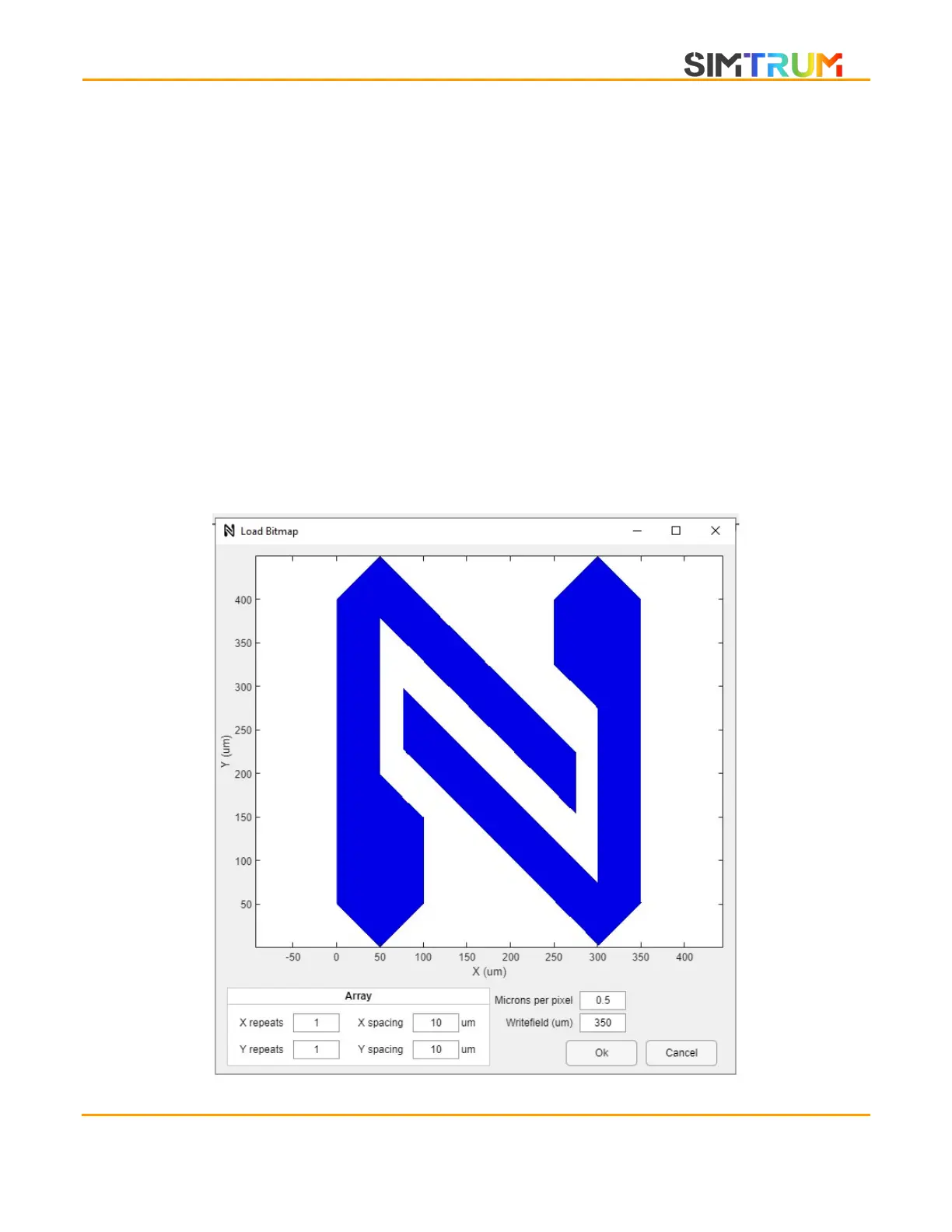
Load image files
1. On the main window, select Load File. A windows explorer file selection window will pop
up. Select the desired image file and click open. Images loaded will be converted into 8-
bit greyscale, after which, a thresholding function will be applied. If the pixel value is
greater than 128, it will be patterned, else it will not show.
www.simtrum.com


 To Next Page