CGM User Guide
Section 3 Understand Your iCan i3 CGM Results 44
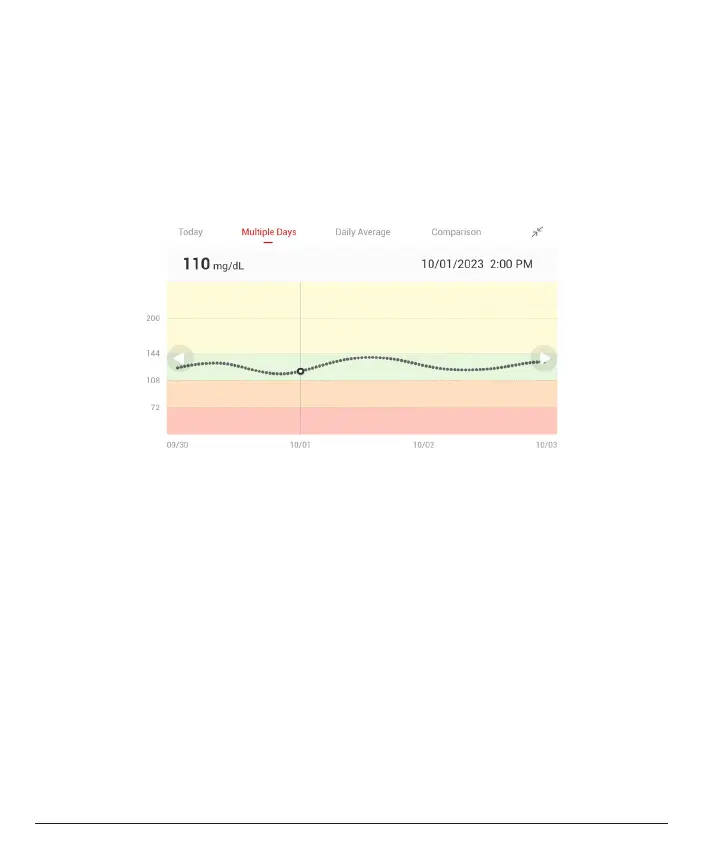
To see events with your graph and to see your graph over 24 hours,
turn your mobile device on its side (for landscape view). Touch and hold
a dot to see the time for a past CGM result, or slide your nger across
the screen to view CGM results from other times. To switch between
dierent days viewing on your APP, tap “Multiple Days” in the landscape
view menu. The white hollow dot indicates a selected result in 1 of the
days, the glucose result shows up on the top left panel.



 To Next Page