63 98 650 D 3439
22 D 3439.201.07.10.23 10.2017
5Installation and startup Dentsply Sirona
5.4Commissioning Operating Instructions (valid for USA) Sirona Dental CAD/CAM System
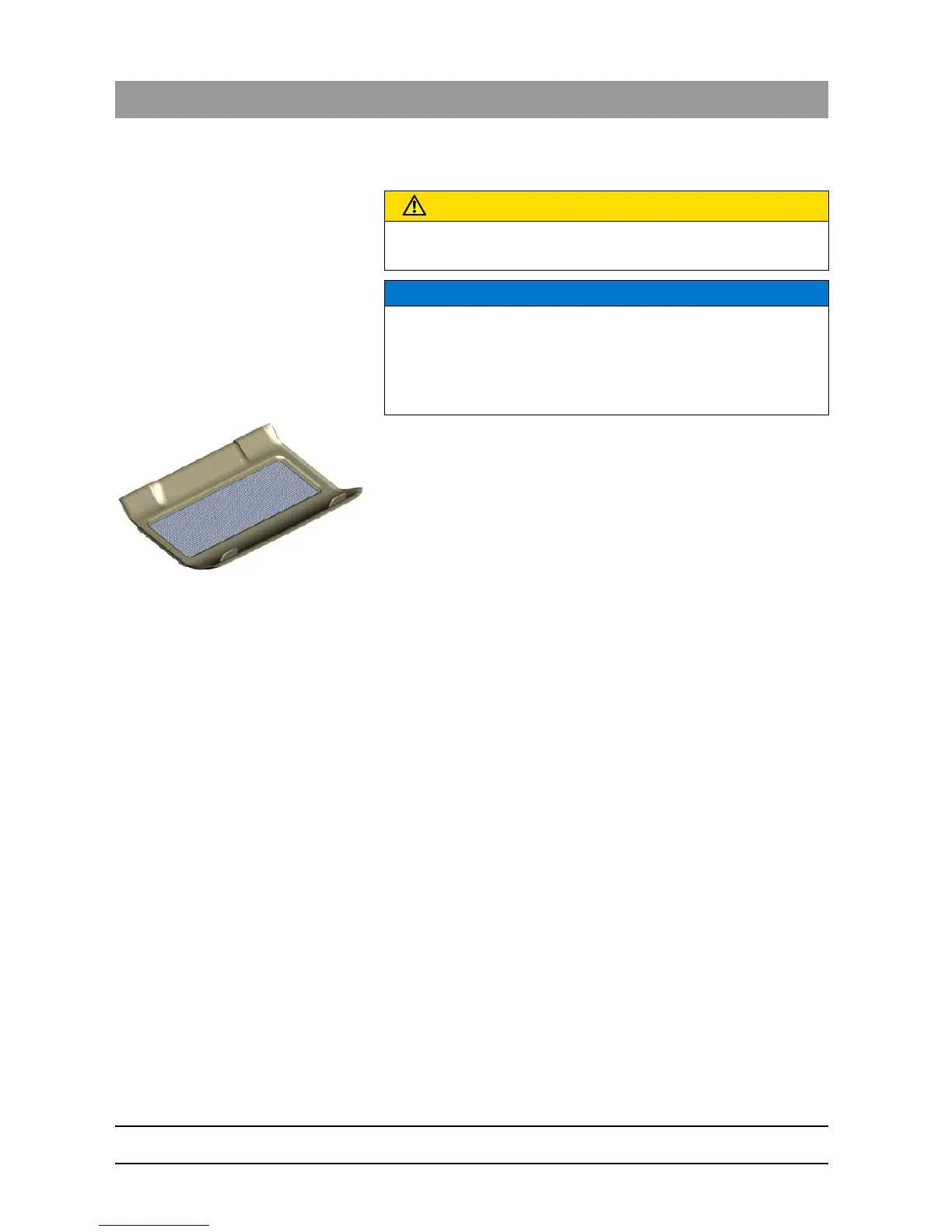
5.4.5 Using the processing chamber screen
1. Remove the screen from the packaging.
2. Wet the underside of the sieve with water before insertion and press
it firmly against the floor of the processing chamber.
5.4.6 Connecting the bar code reader
The bar code reader is optional for the CEREC MC/MC X unit.
Connecting the bar code reader
➢ Plug the bar code reader into the serial interface to the rear of the
milling and grinding unit and secure with screws.
CAUTION
Risk of injury on instruments
Be careful not to brush against the instruments with your hand.
NOTICE
Risk of blockage in the cooling circuit
If chips enter into the cooling circuit of the machine, there is a risk that
the cooling circuit will become blocked.
➢ The sieve is suitable for all restoration and material types. It is
absolutely essential that no chips enter into the cooling circuit.















 To Next Page