63 98 650 D 3439
30 D 3439.201.07.10.23 10.2017
5Installation and startup Dentsply Sirona
5.4Commissioning Operating Instructions (valid for USA) Sirona Dental CAD/CAM System
5.4.8 Filling the water tank
5.4.8.1
Water tank MC / MC X
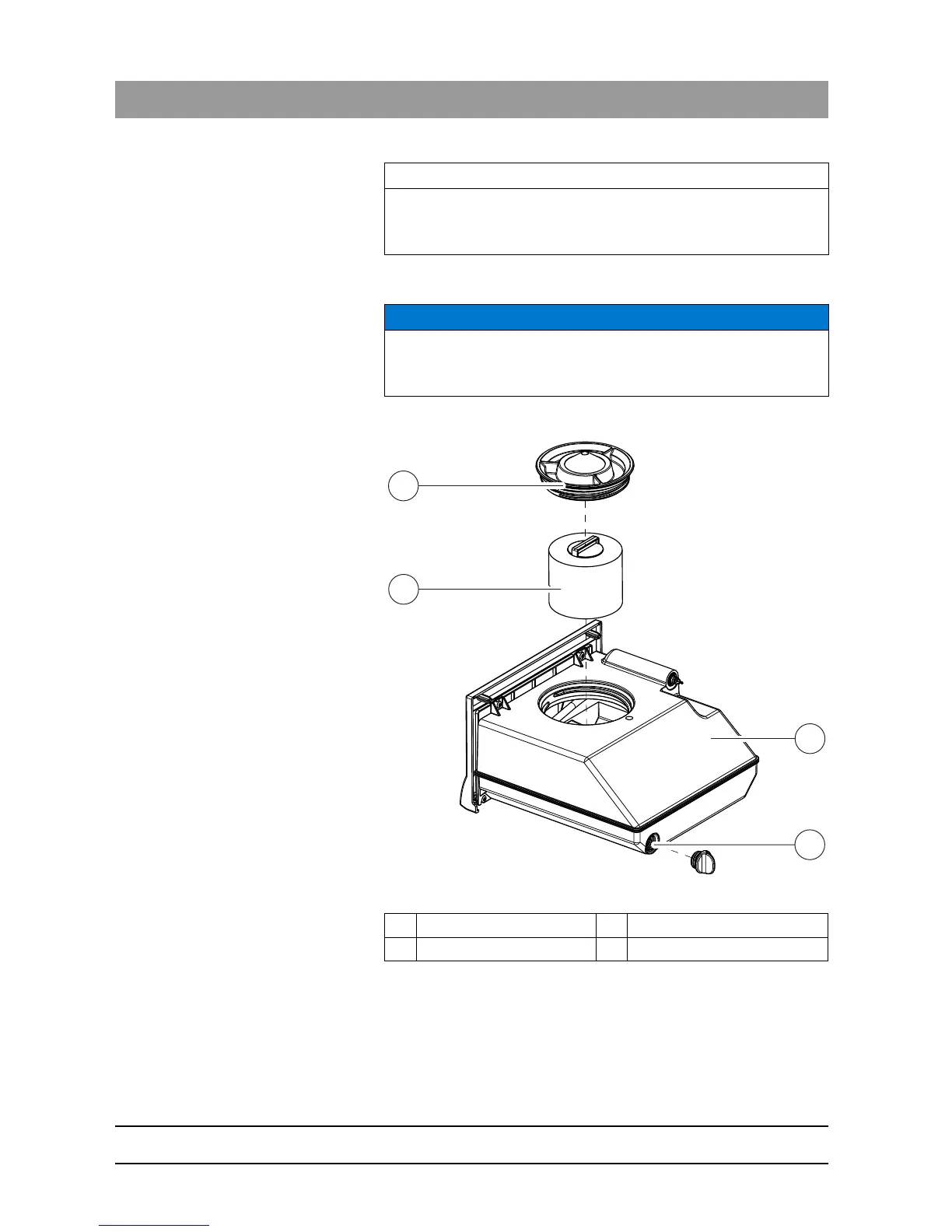
Water tank
✔ The water tank is drained, see "Removing water from the unit".
1. Pull out the water tank at the front of the unit.
2. Turn the tank cap counter-clockwise and take it off.
IMPORTANT
A network with CEREC Radio Devices can include up to three network
devices. Larger networks are not possible.
NOTICE
Using the tank cap opener
If you find the tank cap, tank drain or filter insert hard to open by hand,
use the tank cap opener (see "Using the tank cap opener").
A Filter insert C Tank
B Tank cap D Tank drain















 To Next Page