63 98 650 D 3439
D 3439.201.07.10.23 10.2017
41
Dentsply Sirona 6Operation
Operating Instructions (valid for USA) Sirona Dental CAD/CAM System
6.4.1.2
Milling
The milling option is available from the following serial numbers onwards:
Other machines must be equipped with the milling starter kit for closed
motors (REF: 64 51 079) (only for wet milling).
Activating the milling option
1. Select
"Configuration"
/
"Settings"
/
"Milling"
.
2. Check
"Activate"
.
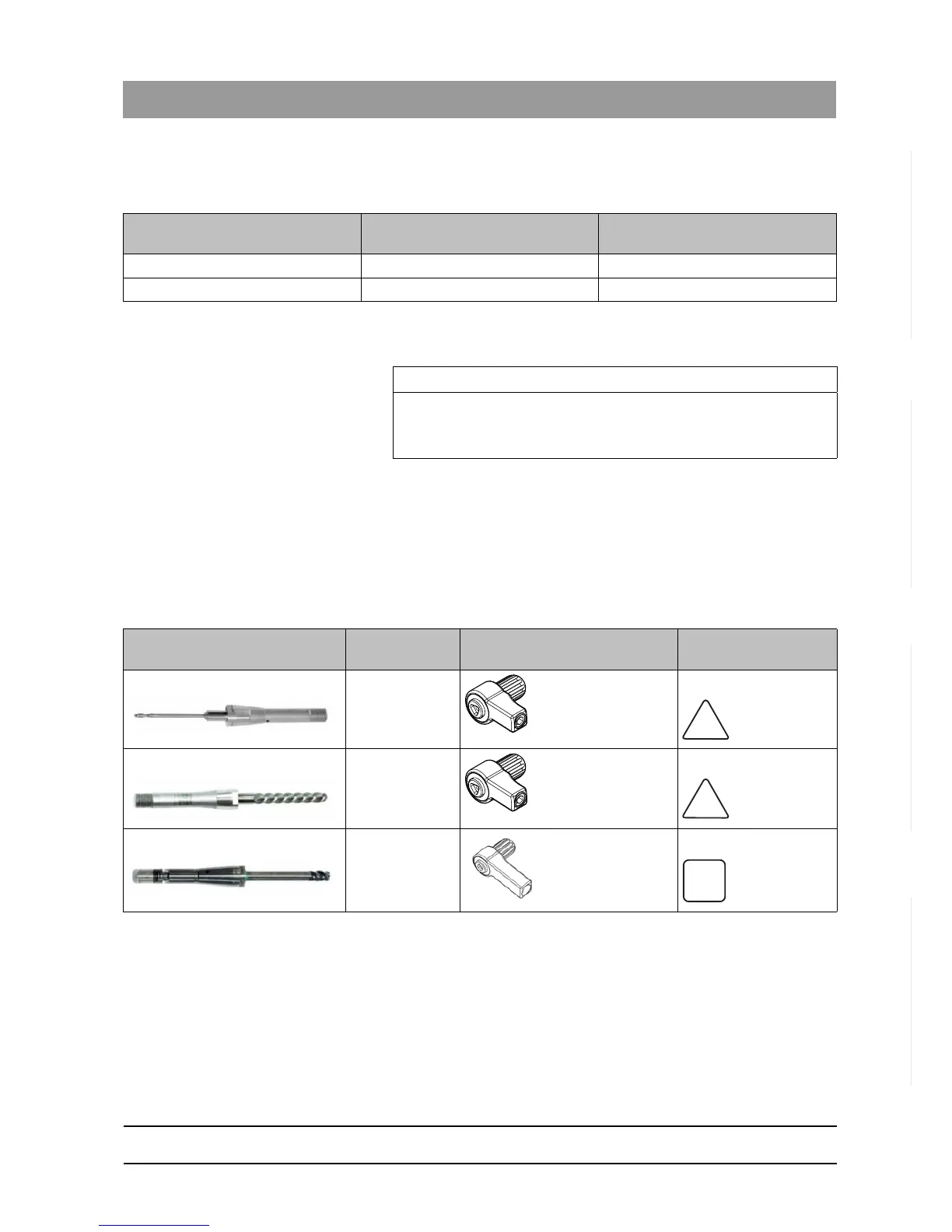
Instruments and torque wrenches
For milling purposes, use the following instruments as well as the
appropriate torque wrenches:
Machine type Serial number (wet milling) Serial number (dry milling also with
retrofit)
MC X 231001 236001
MC 202001 202501
IMPORTANT
The milling process is supported in the CEREC software from version
4.3 onwards.
Instrument REF Torque wrench Clamping format of the
force transmission
Finisher 10 (dry and wet) 6299387 Triangular
Shaper 25: Milling (dry) 6299395 Triangular
Shaper 25 RZ: Milling (wet) 6433440 Square















 To Next Page