Use and Operation
6-3
indicator lights up; when the portable X-ray
machine wireless is not connected, the indicator
flashes; when the portable X-ray machine
wireless function is turned off, the indicator does
not light up.
5
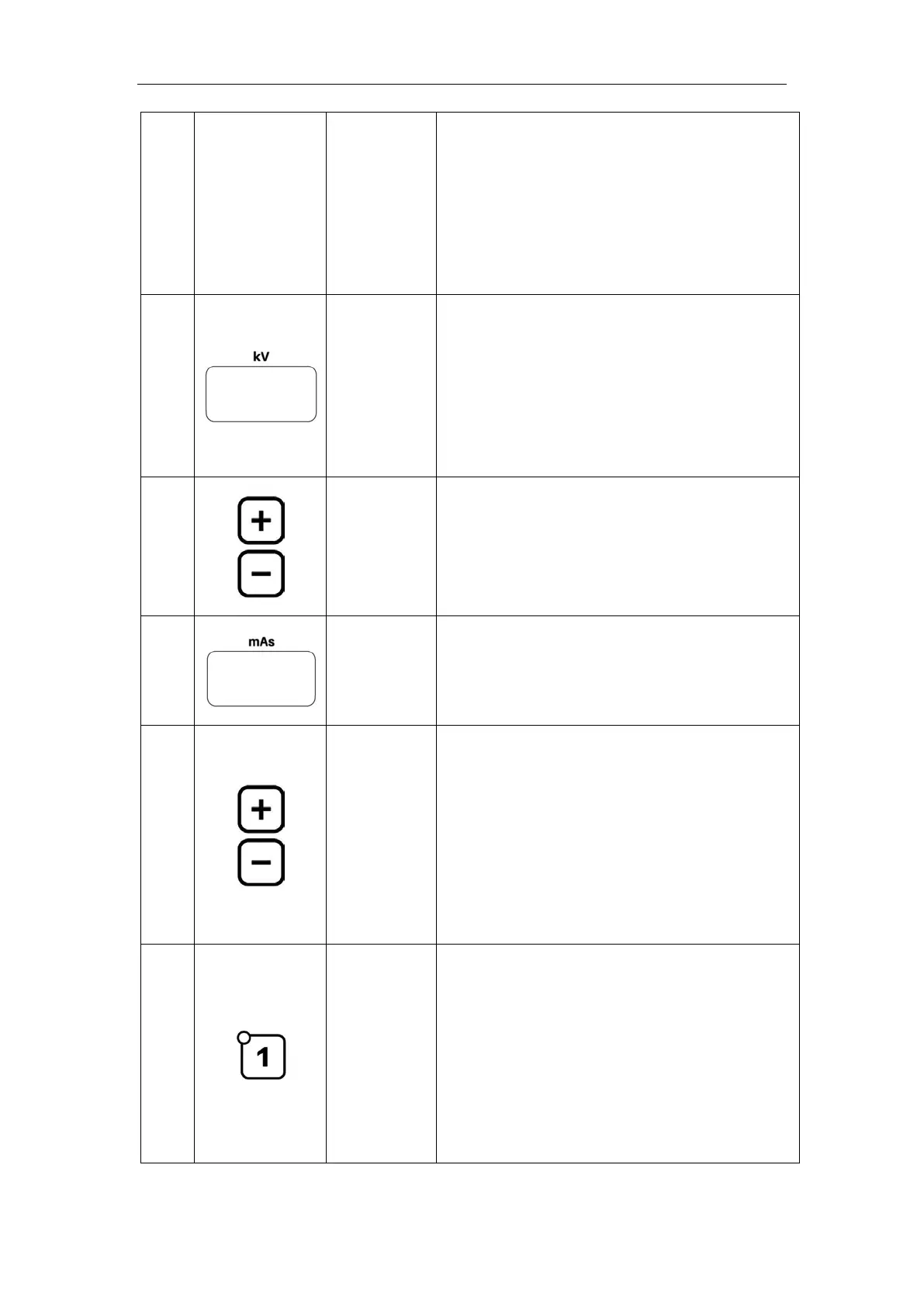
Digital Tube
kV Parameter Display Digital Tube
This digital tube is used to display the value of
exposure parameter kV. The digital tube
displays an error code when the portable X-ray
machine is abnormal.
6
Button
kV Parameter Adjust button
Adjust the parameter up or down, where the
parameter kV step value is 1kV.
7
Digital Tube
mAs Parameter Display Digital Tube
This digital tube is for displaying the value of
exposure parameter mAs.
8
Button
mAs Parameter Adjustment Button
Press it to adjust the parameters. The mAs
changes by following R’10 Law of Number
System. The value of parameter mA can be
determined by parameter kV and the exposure
time can be determined by the parameter mAs.
9
Button and
Indicator
APR Button (1
8) and Indicators
8 APR buttons correspond to 16 parameter sets.
Each APR button has two parameters, and
pressing the same button twice can switch
between two sets of parameters. Users can
select the exposure parameter set according to



 To Next Page