Use and Operation
6-12
indicator goes off, and the X-RAY indicator turns on till the end of exposure (the
COMPLETE indicator turns on). Release the hand switch button at either level, you may
finish the current operation.
Standby Level 1 (READY) Level 2 (X-RAY)
Fig. 6-3
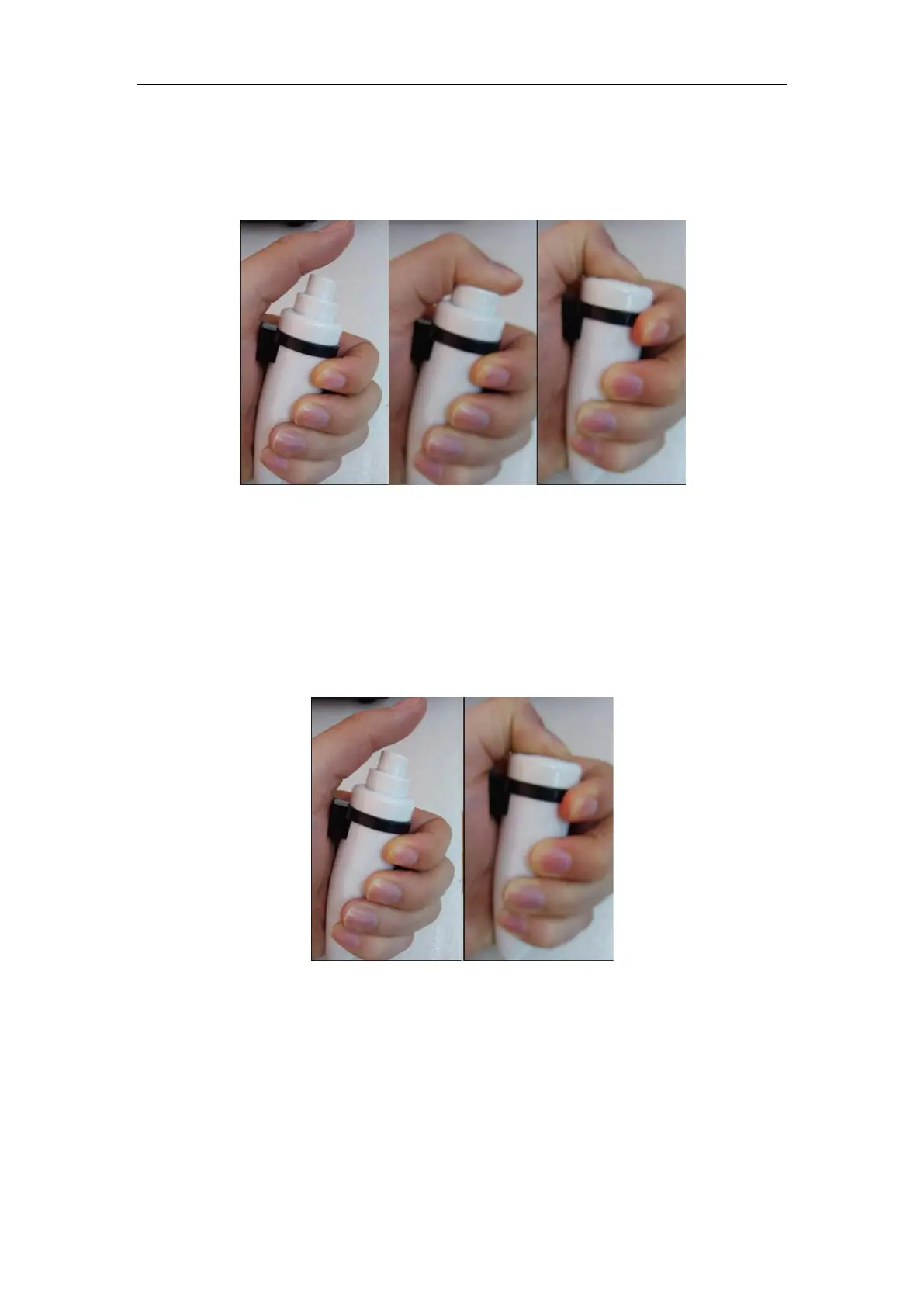
In Level 1 exposure mode, as shown in Fig. 6-4, press Level 2 exposure mode, the
READY indicator on the control panel turns on, and the device starts to output X-ray, The
READY indicator goes off, and the X-RAY indicator turns on till the end of exposure.
Release the hand switch button at either level, you may finish the current operation.
Standby Level 2 (exposure)
Fig. 6-4
There is a one-press exposure button on the back cover as shown in Fig. 6-5. Long press
it for 2 seconds, the READY indicator lights up; press the exposure button again within the
set time (2~15 seconds, and 5 seconds by default), and the exposure is triggered; if the
second press is not performed within the set time, the exposure is canceled; when the



 To Next Page