A8 mini User Manual v1.5
69
2023 SIYI Technology Co., Ltd, All Rights Reserved
4.8.2 Video Output to Windows Device
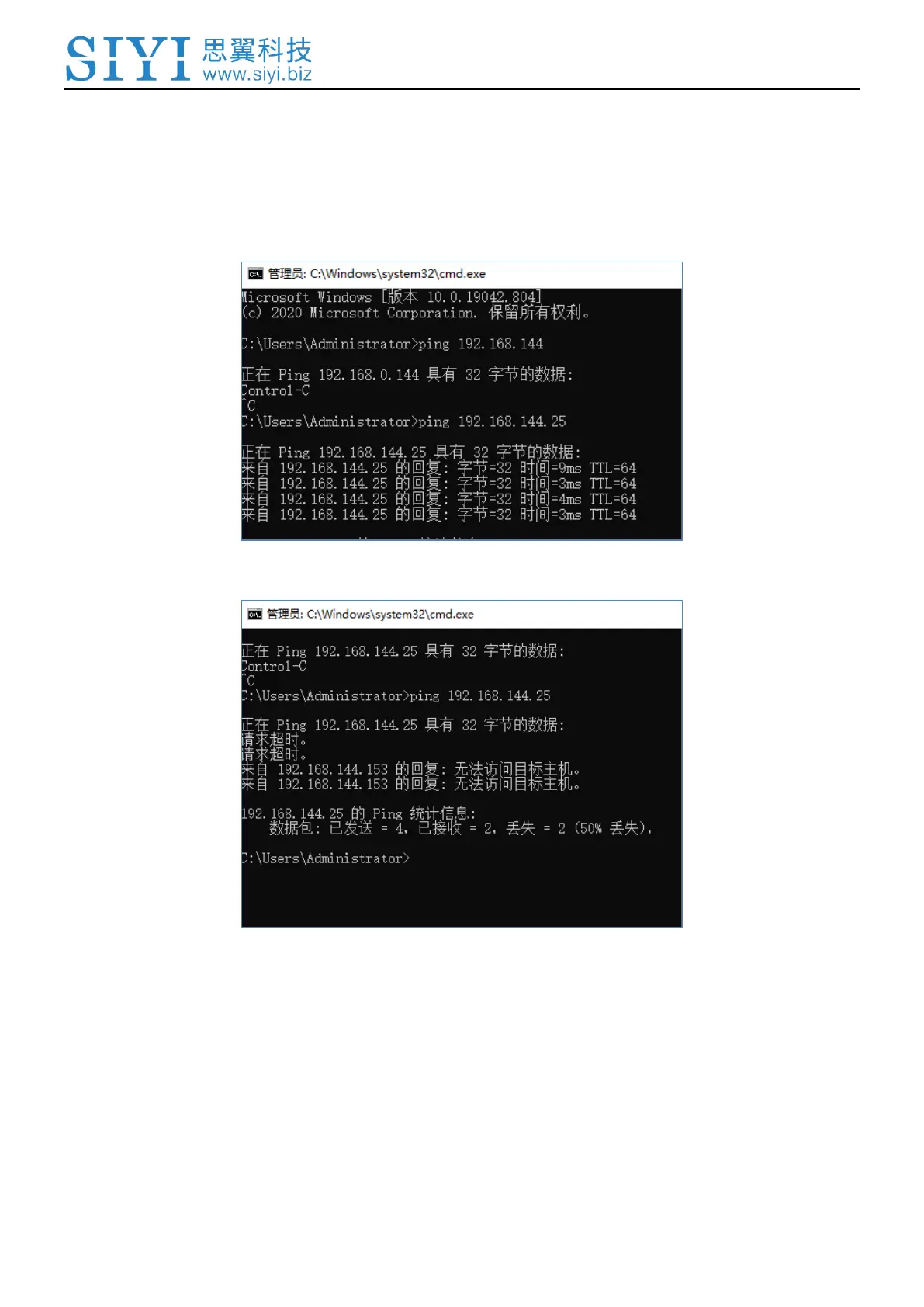
1. Use the “Win + R” key combo to wake up the “Run” program and input the
command “cmd”.
Successful Network Communication
Network Communication Failed
2. Input SIYI gimbal camera’s default IP addresses “192.168.144.25” and press the
“Enter” key to check if the communication is successful. If it is, please check the
RTSP addresses in the software or try to switch to another software.



 To Next Page