A8 mini User Manual v1.5
86
2023 SIYI Technology Co., Ltd, All Rights Reserved
⚫ Zoom: Control camera for optical zoom and digital zoom.
⚫ Manual Focus: Adjust zoom camera focal length for manual focus.
⚫ Yaw: Control gimbal rotation on yaw axis.
⚫ Pitch: Control gimbal rotation on pitch axis.
⚫ Auto Center: Control gimbal to reset to initial position. Coordinates (0, 0).
⚫ Photo: Control camera to take a picture.
⚫ Record: Enable / disable video recording.
⚫ Motion Mode: Switch gimbal working mode (follow mode, lock mode, FPV mode).
⚫ Auto Down: Control gimbal pitch axis to point downward vertically. Coordinates (0, -90).
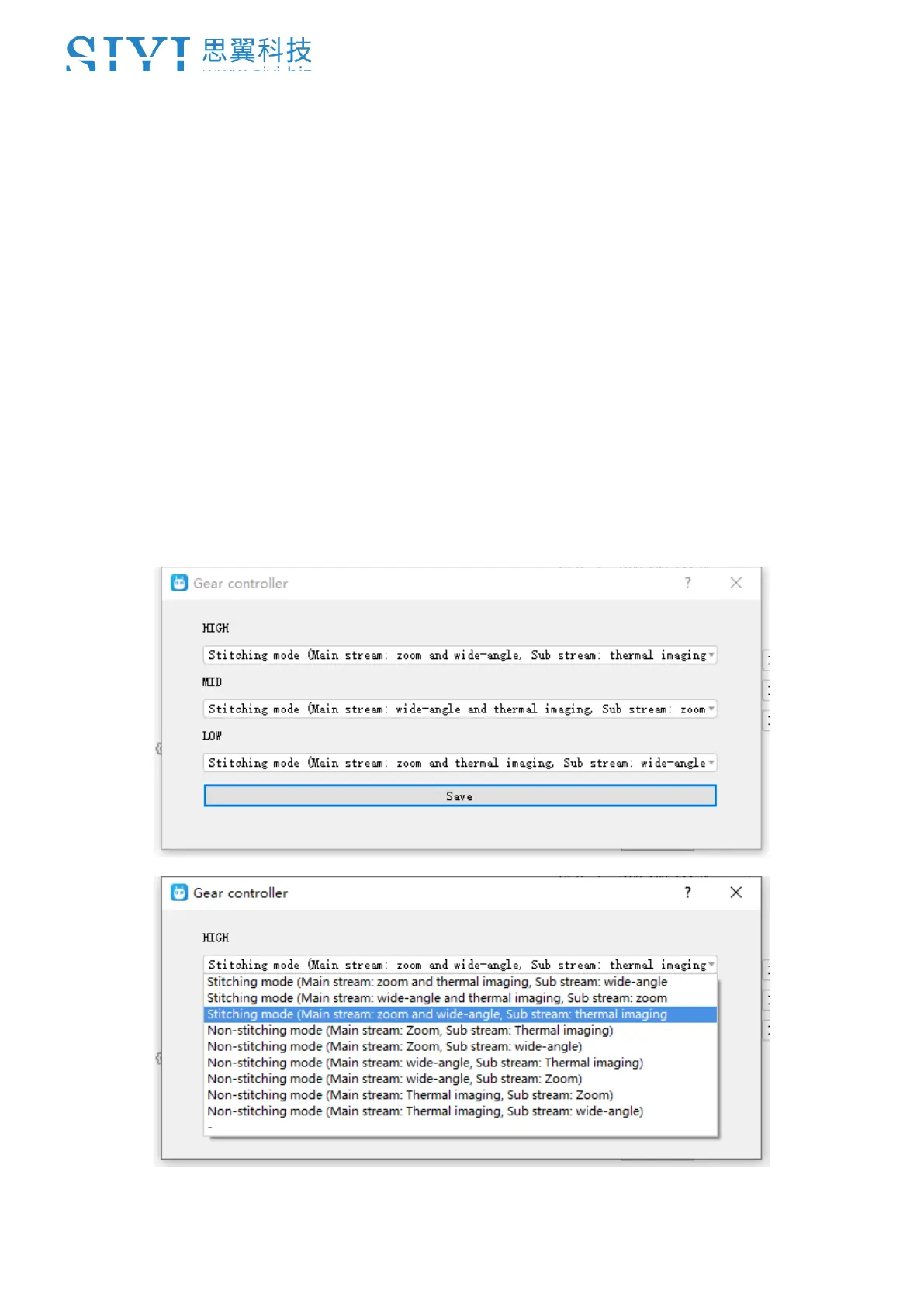
⚫ Image Mode: Select the video stream’s image type and camera source. Single image or split image.
Zoom camera, wide angle camera, or thermal imaging camera. Max three switches to be assigned for
different image mode (for ZT30 only).



 To Next Page