MK32E User Manual V1.1
43
2023 SIYI Technology, All Rights Reserved
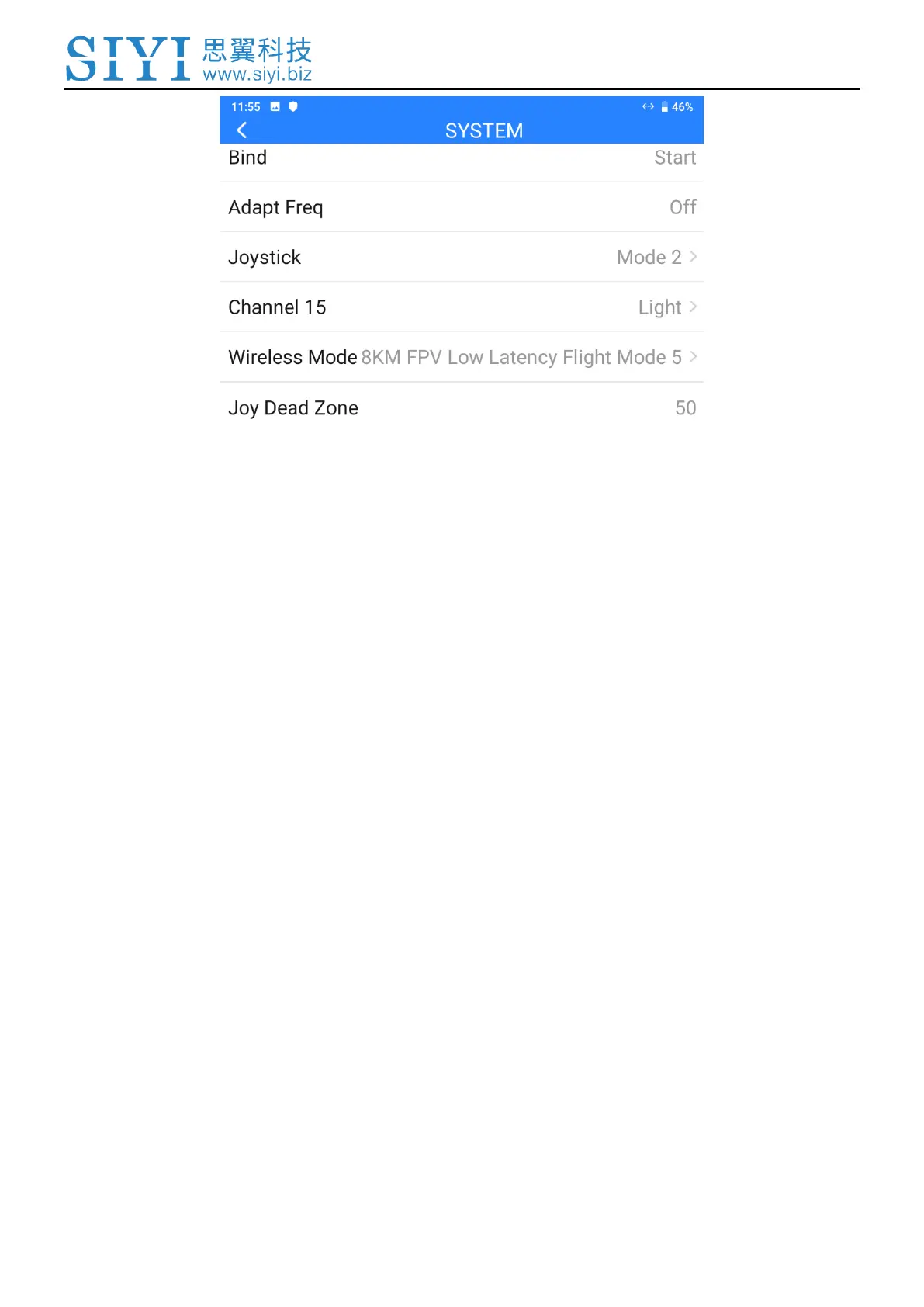
About System Settings
Bind: Check current binding status or start binding process on ground unit.
Adapt Frequency: Search and switch to the frequency band with lowest interference
automatically.
Throttle Stick: Switch throttle types among Mode 1, Mode 2, Mode 3, and Custom.
Channel 15: Switch the control of channel 15 to the searchlight switch of the SIYI IP67
camera or the pitch axis of the A2 mini gimbal.
Wireless Mode: Choose the proper wireless mode for requirement of different range.
Joystick Deadzone: Configure the joystick deadzone value for smooth control based on
your habit.
3.3.1 Bind
Please follow the steps below to bind the ground unit to the air unit.
1. In “SIYI TX” application, go to “System” page, then touch “Bind - Start”.



 To Next Page