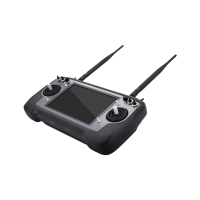
MK32E User Manual V1.1
44
2023 SIYI Technology, All Rights Reserved
2. Ground unit status indicator will turn to “Red Fast Blinking”. And in “Bind” menu,
it displays “Binding”.
3. Press and hold the binding button on the air unit for about two seconds, air unit
status indicator will turn to “Red Fast Blinking” as well.
4. Then wait for 5 to 10 seconds till both ground unit and air unit status indicators
have turned to “Solid Green”. Binding is done.
3.3.2 Frequency Self-Adapting
In strong-interference environment, turn on the function, remote controller will
automatically search for the frequency band with least interference to get the best
transmission strength.
Mark
After turning on the function in “SIYI TX”, please restart the remote controller, otherwise
it won’t take effect.
The function is not implemented at this moment.
3.3.3 Throttle Type
Switch throttle joystick type. Available types are Mode 1 (Japanese Hand), Mode 2
(American Hand), Mode 3 (Chinese Hand), and Customize Hand.


 To Next Page