MK32E User Manual V1.1
49
2023 SIYI Technology, All Rights Reserved
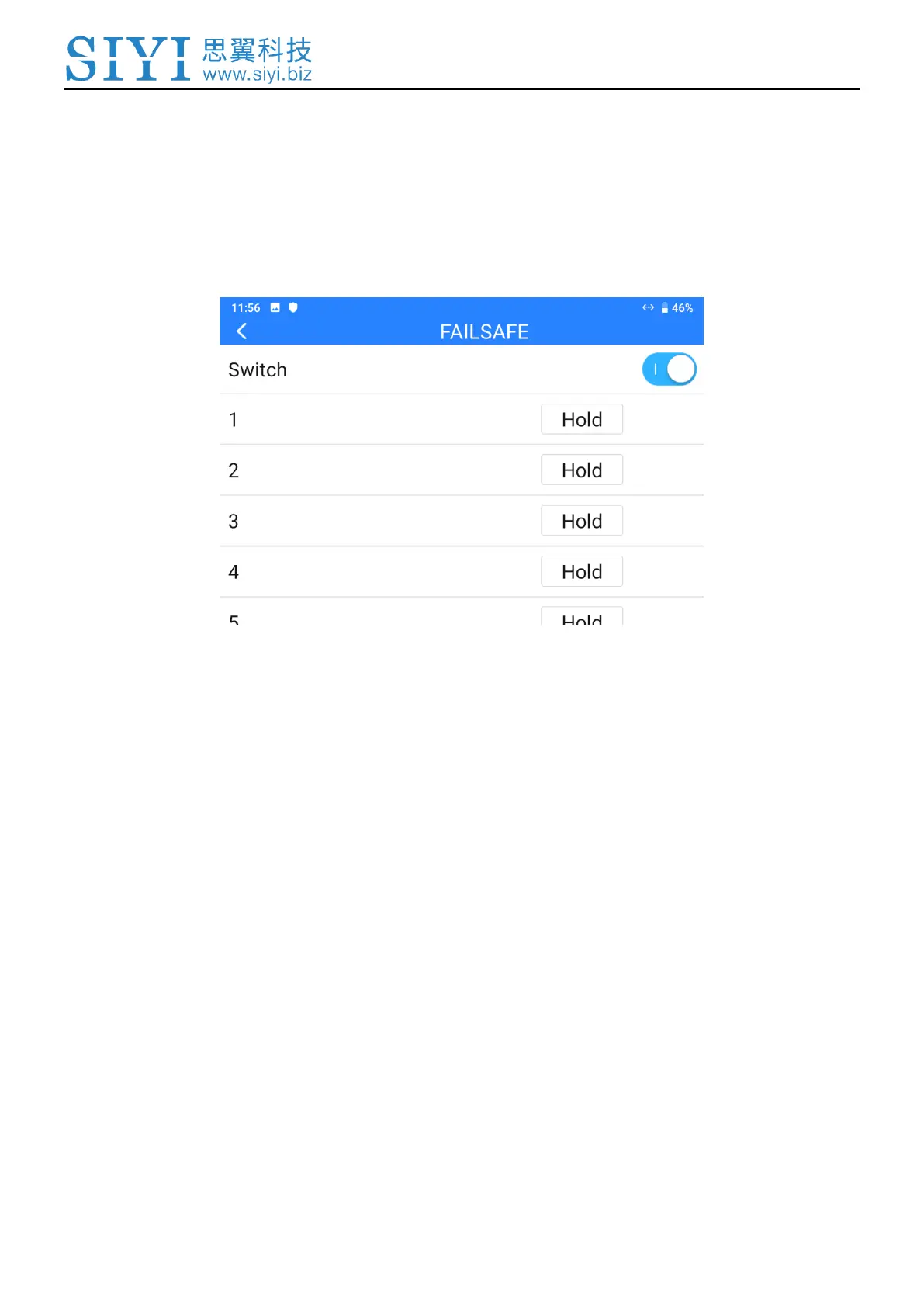
Please follow the steps below to configure your system with Failsafe function.
1. Make sure that the ground unit is bound to the air unit.
2. Go to “Failsafe” page.
3. Failsafe function is not activated in default. The numbers on left represent
channels. Channels display “Hold” when no channel value was input.
4. If you require a specific value in the channel, please turn on Failsafe switch first
and switch from the “Hold” button to “Custom”. Then input your required
channel value for Failsafe.



 To Next Page