MK32E User Manual V1.1
61
2023 SIYI Technology, All Rights Reserved
drone motors, and the other ground unit can be assigned to control payloads /
gimbal / servos.
Steps
1. Prepare two MK32E Dual versions.
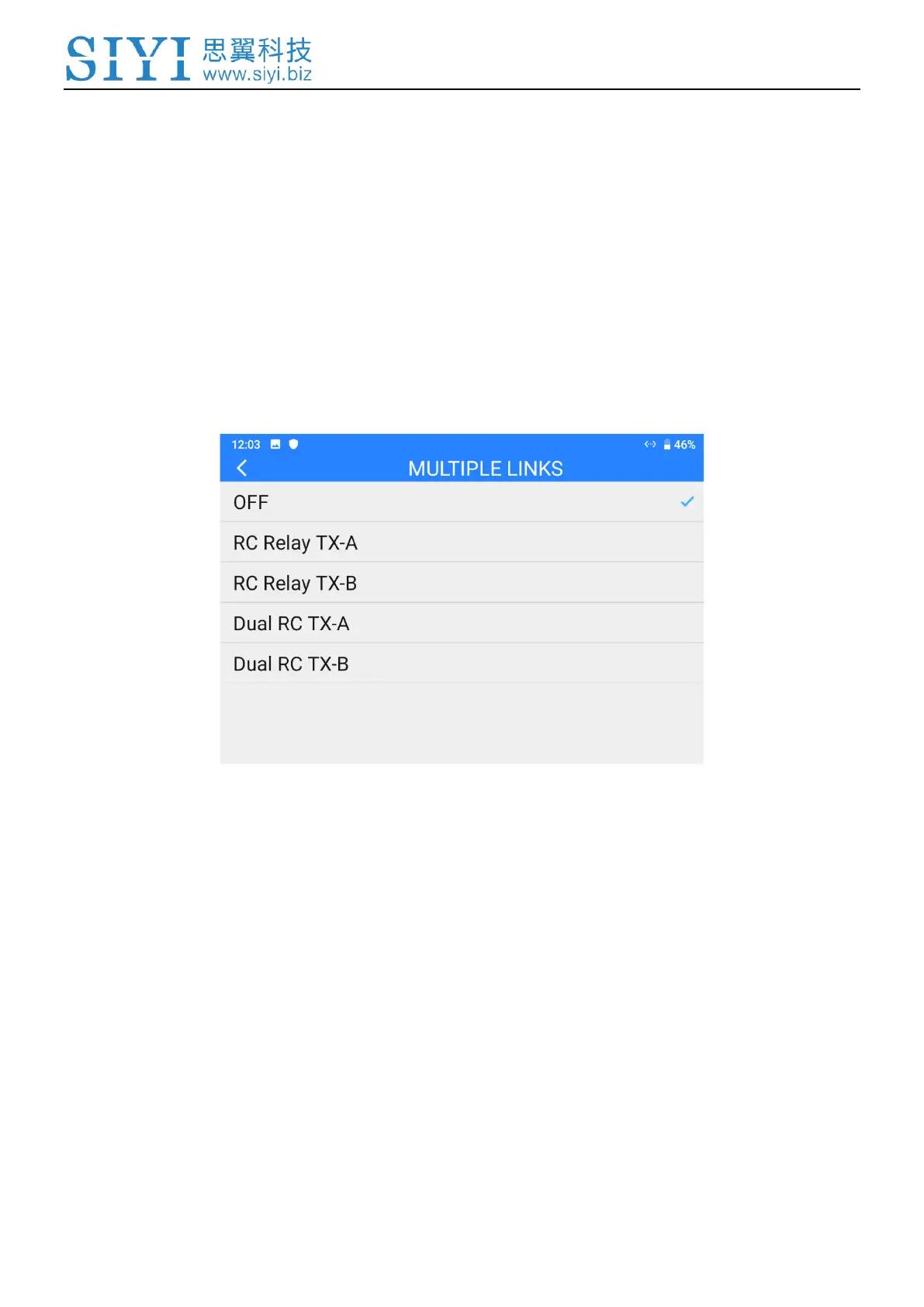
2. Go to “Multiple Links – Function Type”, assign the two ground units as “Dual
RC TX-A” and “Dual RC TX-B”.
3. Bind “TX-A” and “TX-B” with the same air unit in turns.
4. In “Control Switch” page, assign a switch / button / dial to switch control to the
air unit from “TX-A” to “TX-B”.



 To Next Page