MK32E User Manual V1.1
88
2023 SIYI Technology, All Rights Reserved
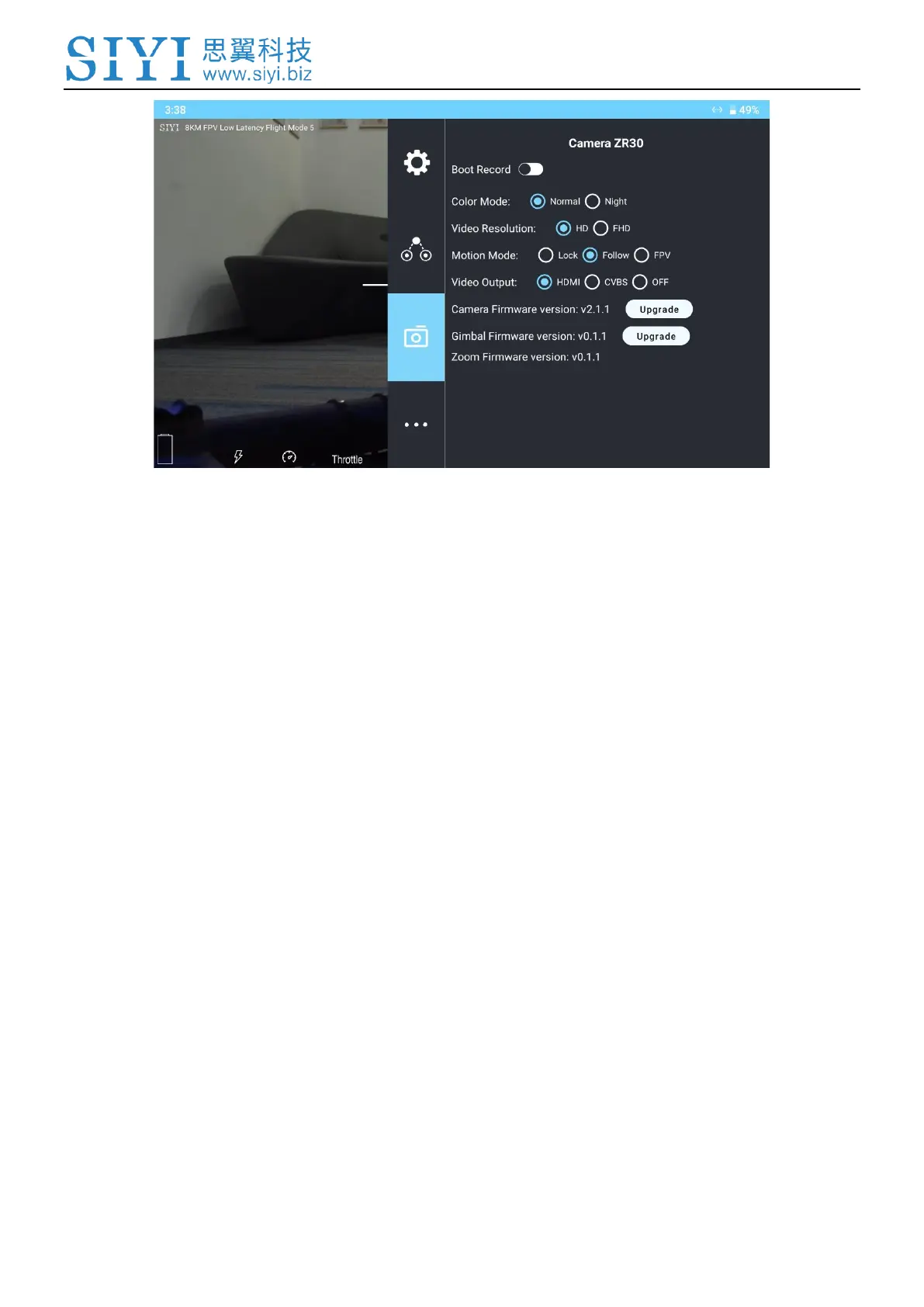
About Gimbal Camera
Auto Record: Turn on / off automatically video recording by TF card on gimbal camera
start.
Record Resolution: Switch camera record resolution between HD (720p), Full HD (1080p),
2K, and 4K (under 4K recording resolution, A8 mini camera does not zoom).
Video (Stream) Resolution: Switch camera real-time streaming resolution between HD
(720p) and Full HD (1080p).
Gimbal Working Mode: Switch gimbal motion mode between Lock Mode, Follow Mode,
and FPV Mode.
⚫ Lock Mode: Horizontally, gimbal does not follow when aircraft rotates.
⚫ Follow Mode: Horizontally, gimbal follows when aircraft rotates.
⚫ FPV Mode: Gimbal rotates simultaneously as aircraft rolls to get FPV view, and output
enhanced stable images.



 To Next Page