VD32 Remote Controller User Manual v1.2
- 32 -
2020 SIYI Technology Copyright
1. Please keep your VD32 transmitter one meter away from your VD32 receiver
and power on both of them;
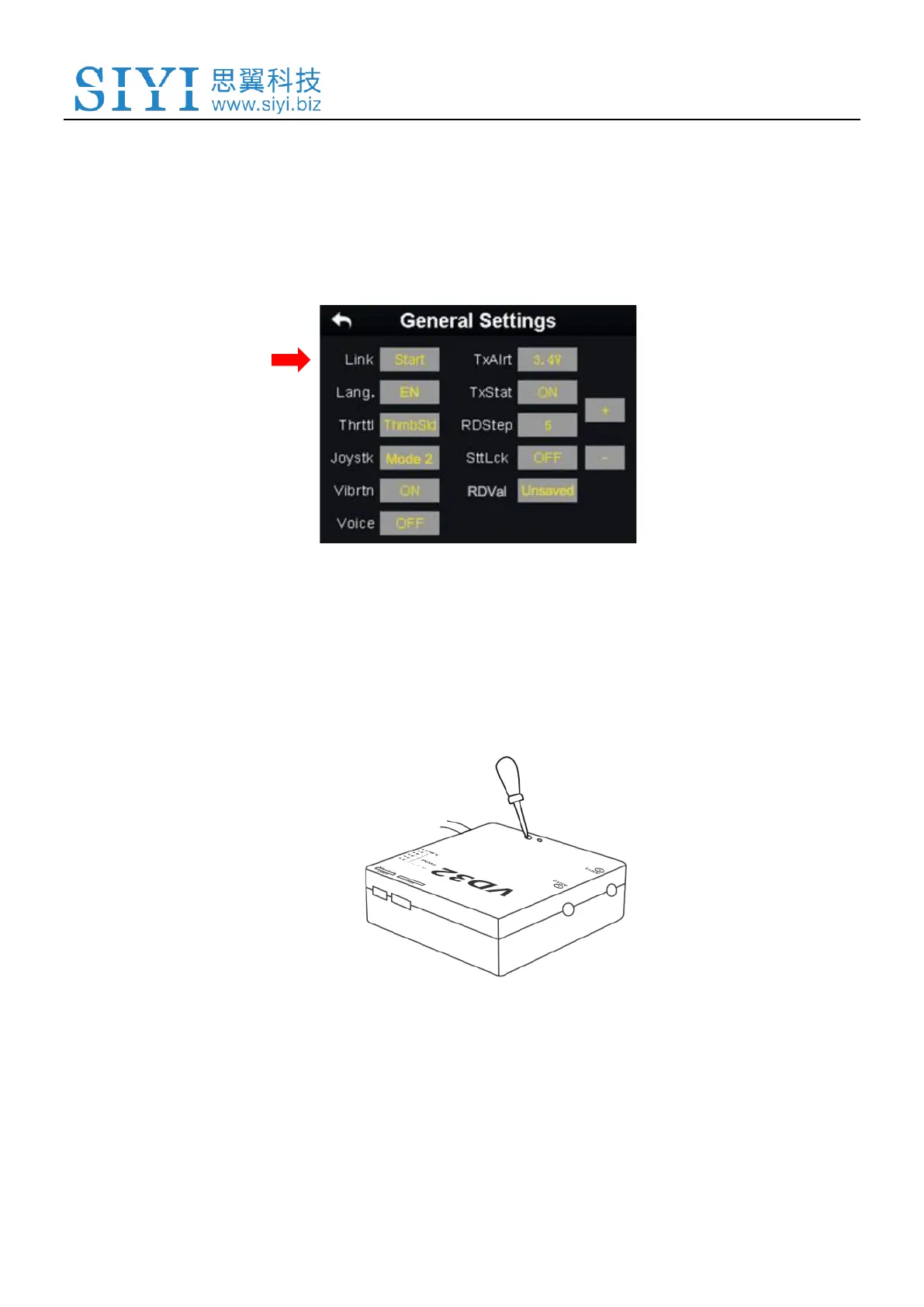
2. In VD32 transmitter screen menu, tap on “System Settings – General Settings”;
3. Turn to your VD32 receiver, stick a pin or needle to the linking button inside the
linking hole, press and hold the button for 3 seconds till the status indicator blinks
red which means the receiver is ready for linking;
4. Tap on “Link - Start” and wait for a second, if the transmitter indicator and the
receiver both blink green, linking is finished.



 To Next Page