VD32 Remote Controller User Manual v1.2
- 45 -
2020 SIYI Technology Copyright
CAUTION
When you switch a model type, all the data in the current model will be reset automatically.
It is better to save the model data before switching to another model type.
5.3.1 How to Select a Model Type
Steps
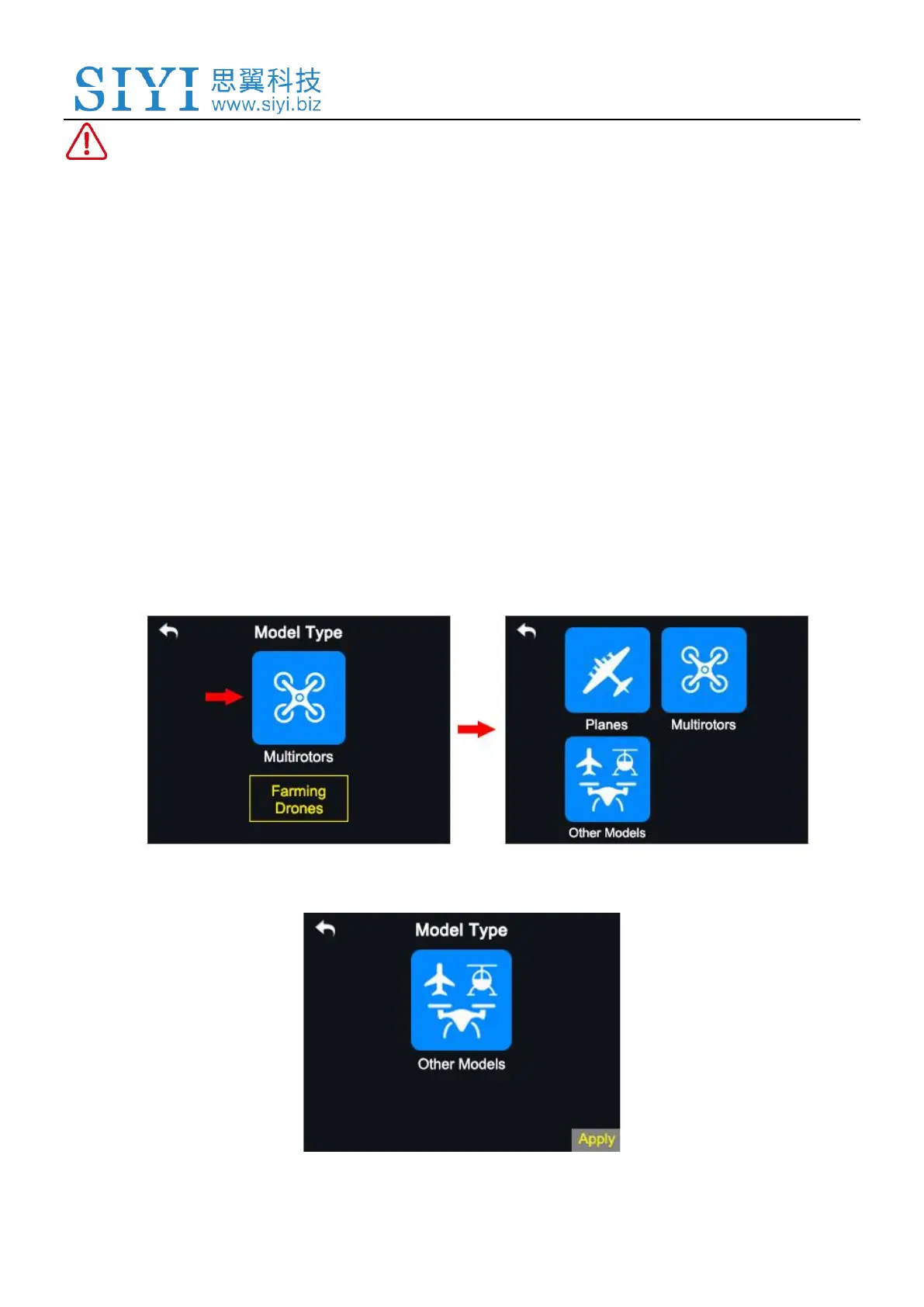
1. In the “transmitter settings” menu, tap on “Model Settings - Model Type”;
2. In the screen, it displays the current model type; tap on it, in the screen it is
switched to the “Model Type” list;
3. Tap on a model type according to your requirement, then “Apply” to finish.



 To Next Page