VD32 Remote Controller User Manual v1.2
- 40 -
2020 SIYI Technology Copyright
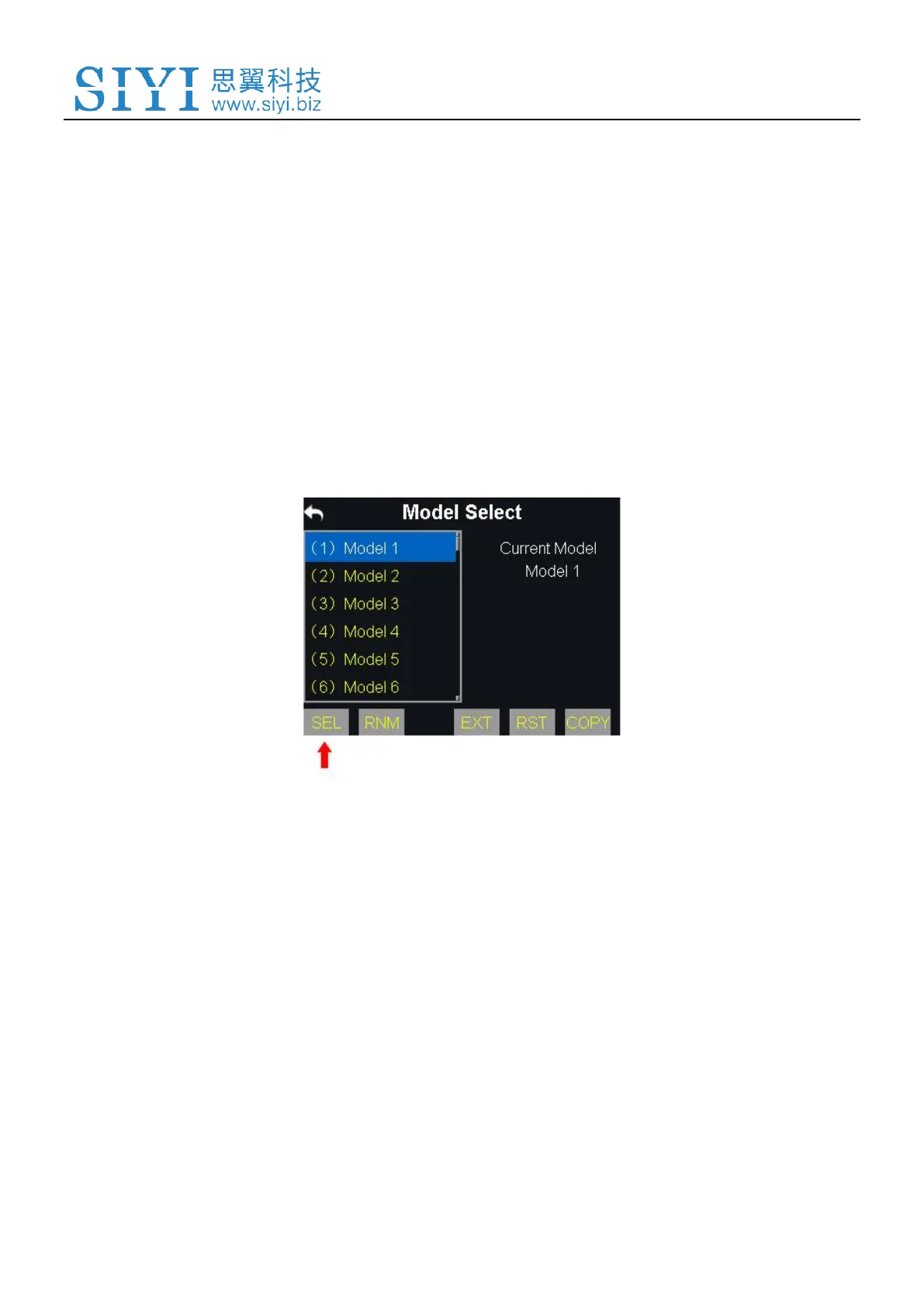
5.2.1 Select a Model
In VD32 transmitter’s default model list there are up to 64 sets of model data for
your choice.
Steps
1. In “Model Settings” menu, tap on “Model Select”, in the screen it shows the
model select menu;
2. Tap on a model name, then “Select”, in the screen it pops up “Confirm your
selection”, tap on “Yes” to finish selecting.
5.2.2 Rename a Model
Users can rename a model data in the default model list as a mark of the difference.
Once selected, the model name displays in transmitter main menu as well.



 To Next Page