VD32 Remote Controller User Manual v1.2
- 64 -
2020 SIYI Technology Copyright
RaOFF (RadarOFF): Turn off radar
AuSpr (AutoSpr): Auto Spraying
MnSpr (ManulSpr): Manual Spraying
LtON (LightON): Navigation light on
LtOFF (LightOFF): Navigation light off
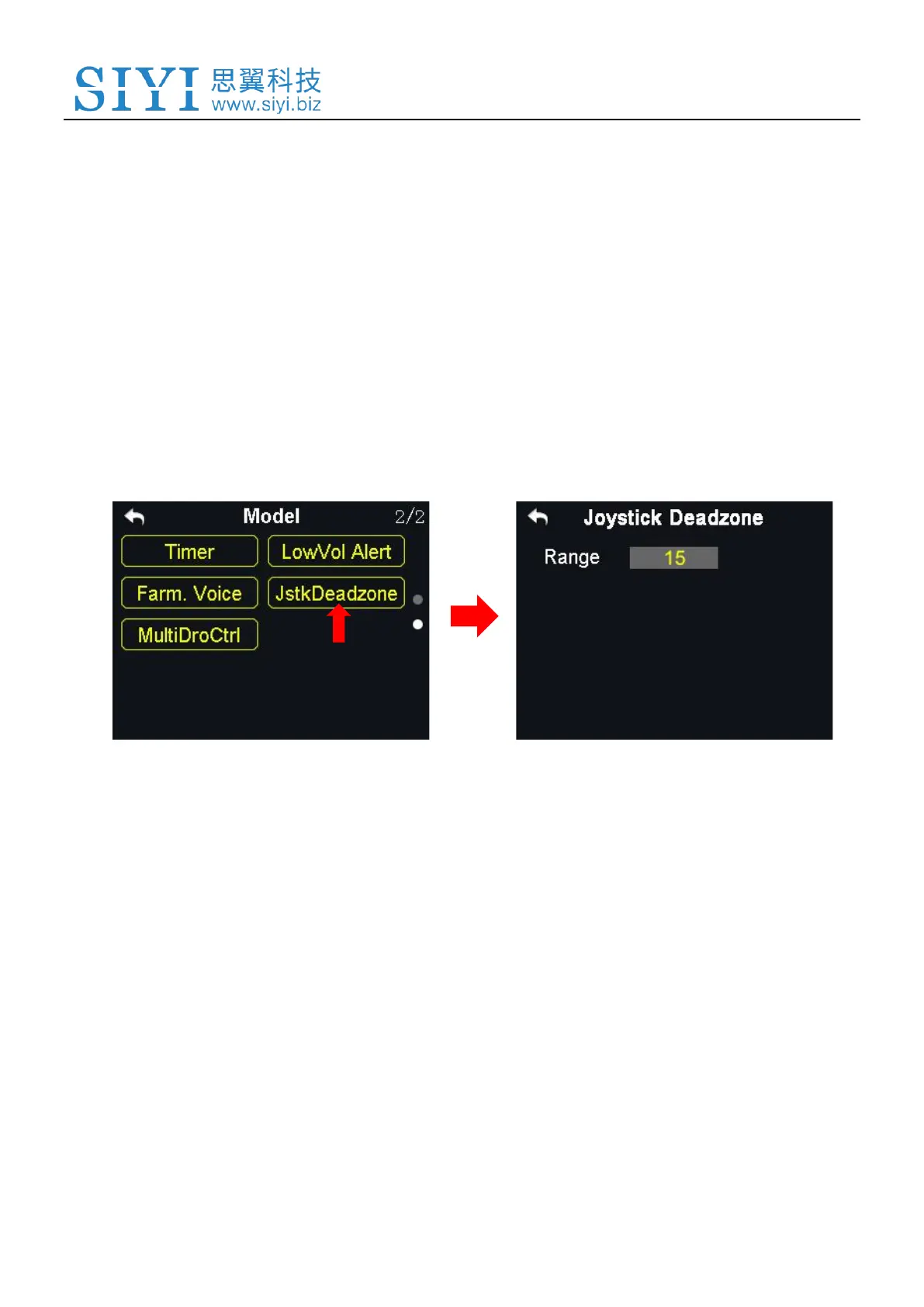
5.14 Joystick Dead Zone
By setting a certain dead zone range, VD32 transmitter helps user filter out channel
values which are input by touching the joysticks unintentionally.
When the range is set, the channel value does not change if the joysticks stay
moving in the range; when the joysticks move out of the range, the channel value
continues to change.
Steps to Set Dead Zone
1. In the model settings menu, tap on “JstkDeadZone”, in the screen it shows the



 To Next Page