VD32 Remote Controller User Manual v1.2
- 85 -
2020 SIYI Technology Copyright
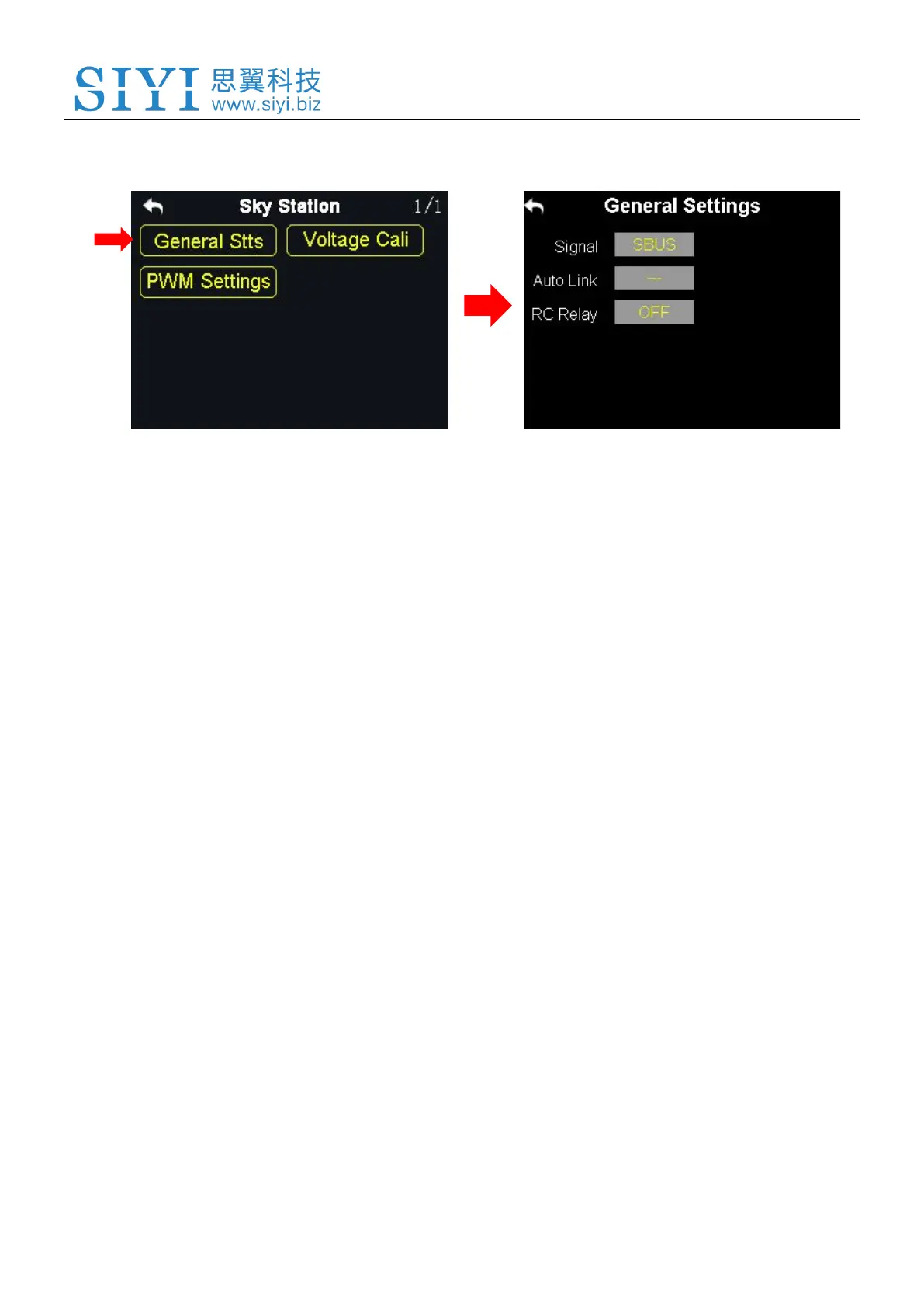
7.1 General Settings
7.1.1 Signal Mode
Set signal mode for the three different output mode of the sky station, SBUS, PPM
and PWM.
Steps
1. In the general settings menu, select “Signal Mode” and tap on “SBUS / PPM /
PWM” to switch different signal modes;
2. The sky station status indicator blinks yellow once when it is switched to the
SBUS mode, yellow twice to the PPM mode, yellow 3 times to the PWM mode;
3. When it is done, the status indicator of the sky station blinks green in all modes,
and the blinking speed indicates the signal strength. Faster it blinks, weaker the
signal strength is.
7.1.2 Automatic Linking
When the sky station is powered on, turn on the automatic linking function. If it
receives no signal from the transmitter in 20 seconds, the sky station starts linking



 To Next Page