VD32 Remote Controller User Manual v1.2
- 47 -
2020 SIYI Technology Copyright
Type” menu;
2. Choose “Multi-rotors” as the model type, “Farming Drone” as the drone type.
Then Select the right FC and ESC type according to what you have bought.
Please select “FOC” for ESC which is free of calibration. And select “Standard”
for ESC which requires calibrating output value, then your VD32 transmitter will
generate the channel value automatically according to your requirement.
3. Calibrate your VD30 transmitter joysticks in your flight controller’s ground control
software and finish the Fail-safe settings.
4. Unlock motors and take off your drone.
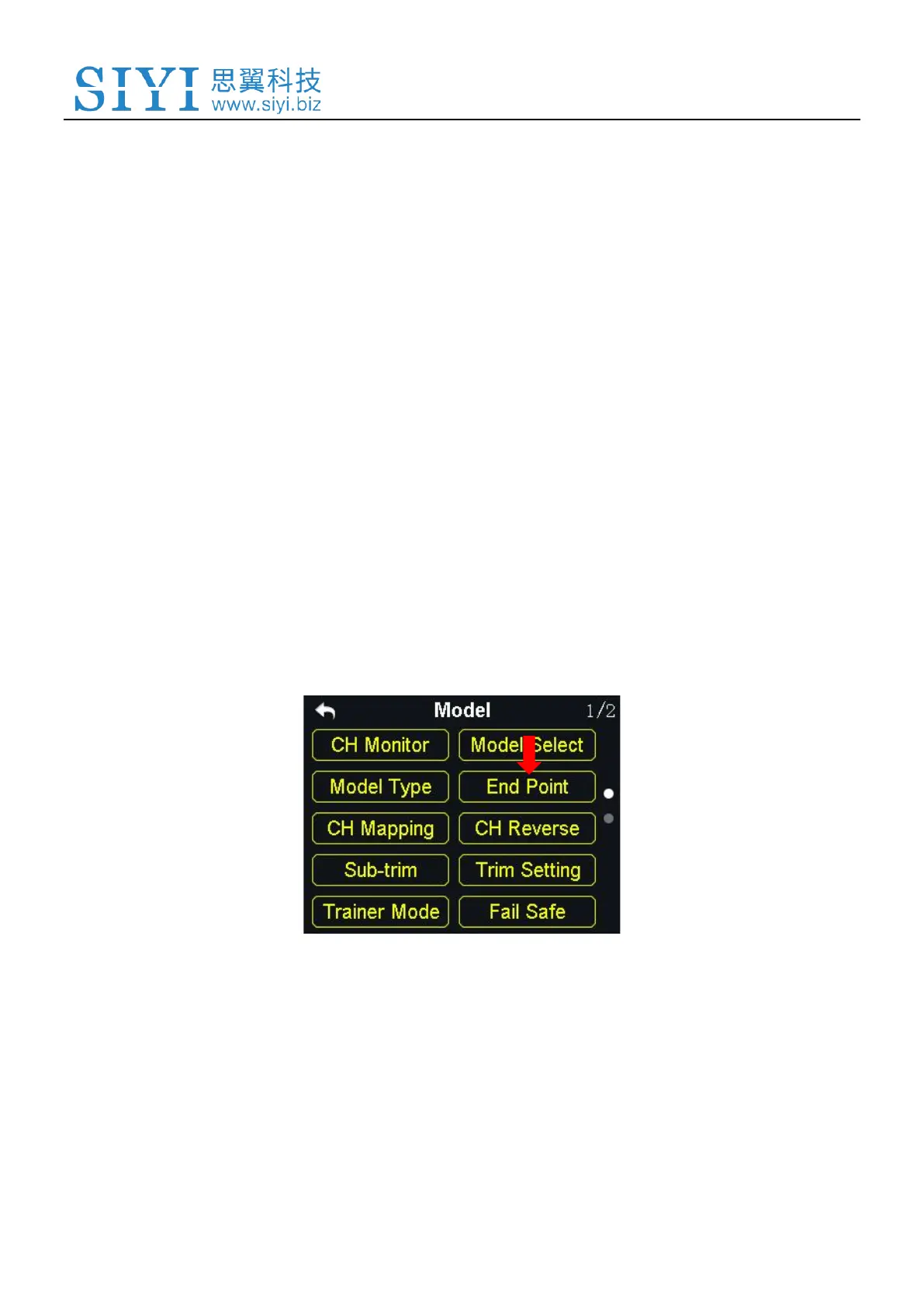
5.4 End Point
“End Point” function helps users set the output value of a channel and its
maximum/minimum limit.
Steps



 To Next Page