VD32 Remote Controller User Manual v1.2
- 57 -
2020 SIYI Technology Copyright
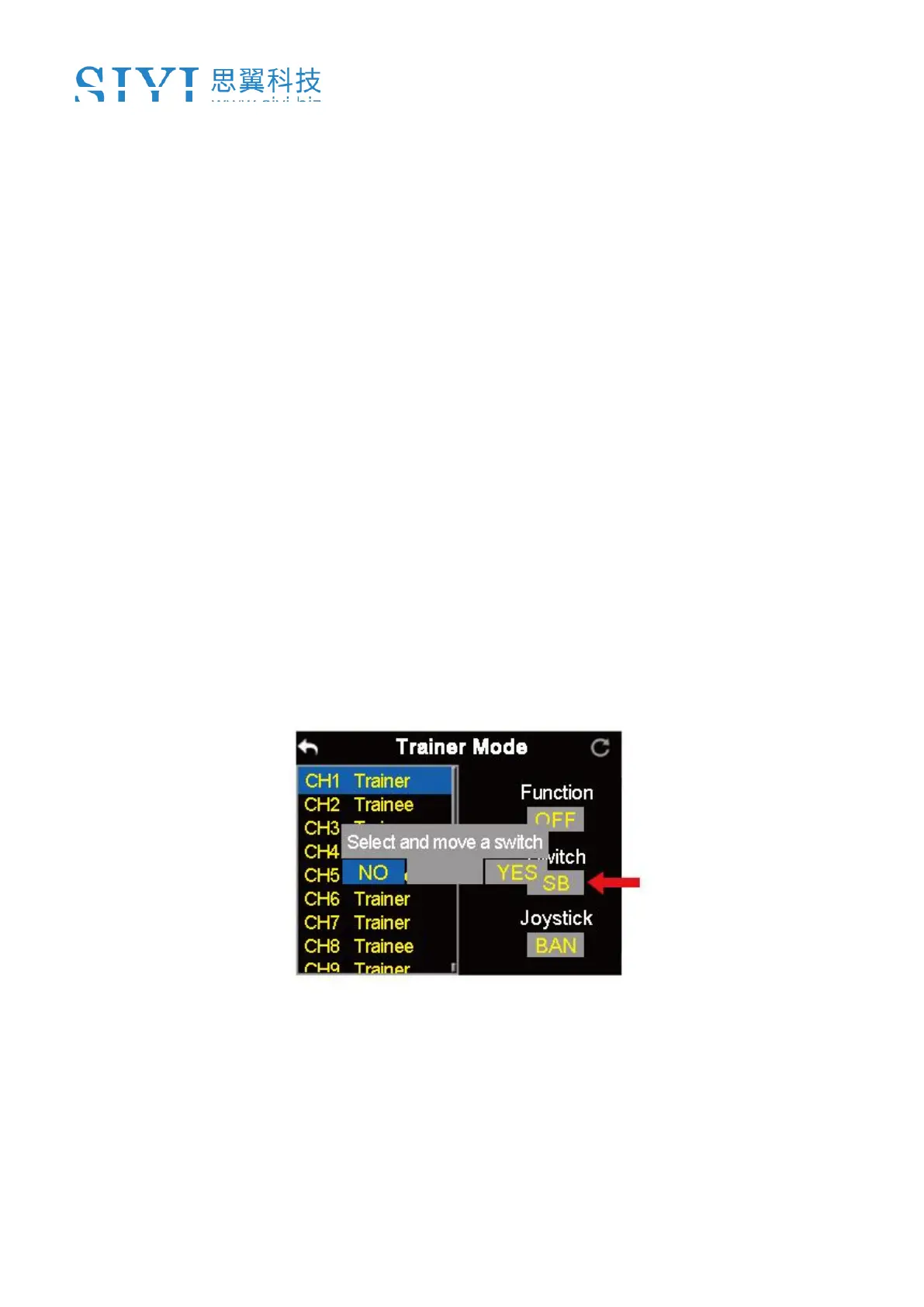
4. The transmitter with the trainer mode turned on is the master transmitter, the
other one is the slave transmitter; in the master transmitter the channel is default
to be “Trainer”;
5. Each channel in the list has two status, trainer and student; if you change the
status to “Student” in the master transmitter, the slave transmitter will get
authority to manipulate the channel, otherwise it will have no authority;
6. In the trainer mode menu, you can define a physical switch or button to turn on
/ off the function; tap on “NULL”, in the screen it pops up “Choose a switch /
button”; follow the hint to manipulate a switch / button, in the screen it shows
switch status menu; tap on an icon to define a switch / button according to your
requirement;
7. When you have defined a switch / button, it will take over the control of turning
on / off trainer mode.



 To Next Page