VD32 Remote Controller User Manual v1.2
- 75 -
2020 SIYI Technology Copyright
Steps
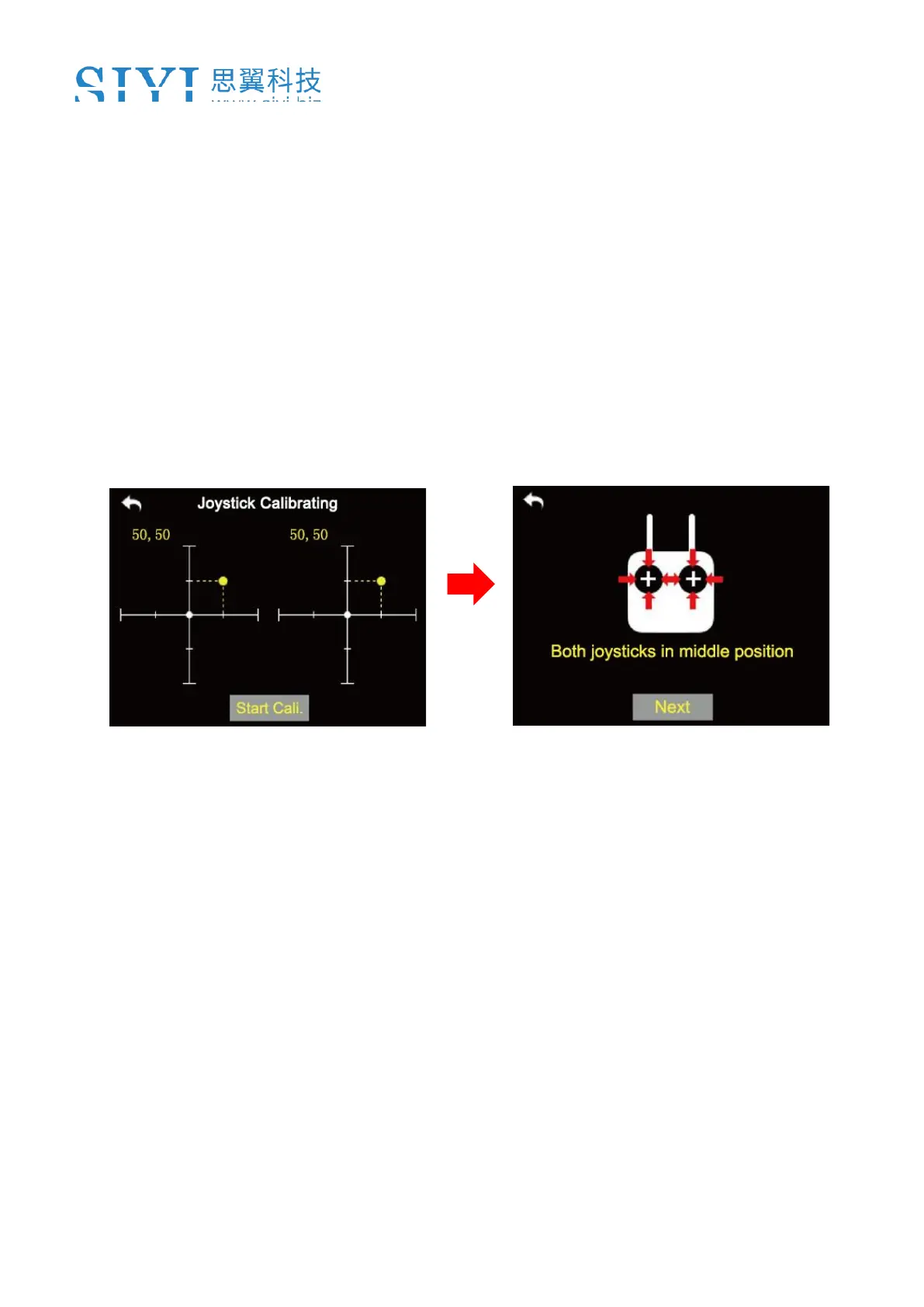
1. In the system settings menu, tap on “Joystick Calibrating”, in the screen it shows
the calibrating menu of the joystick;
2. The crossing coordinate system displays the real-time position of the joysticks;
3. Tap on “Start”, in the screen it pops up “Confirm if both the joysticks are in the
middle position”;
4. Hold the joysticks and make them stay in the middle position (the joystick’s tick
mark aligns with the transmitter’s tick mark), then tap on “Next”;
5. The transmitter starts detecting the middle position automatically, do not touch
the joysticks while you are waiting;



 To Next Page