VD32 Remote Controller User Manual v1.2
- 77 -
2020 SIYI Technology Copyright
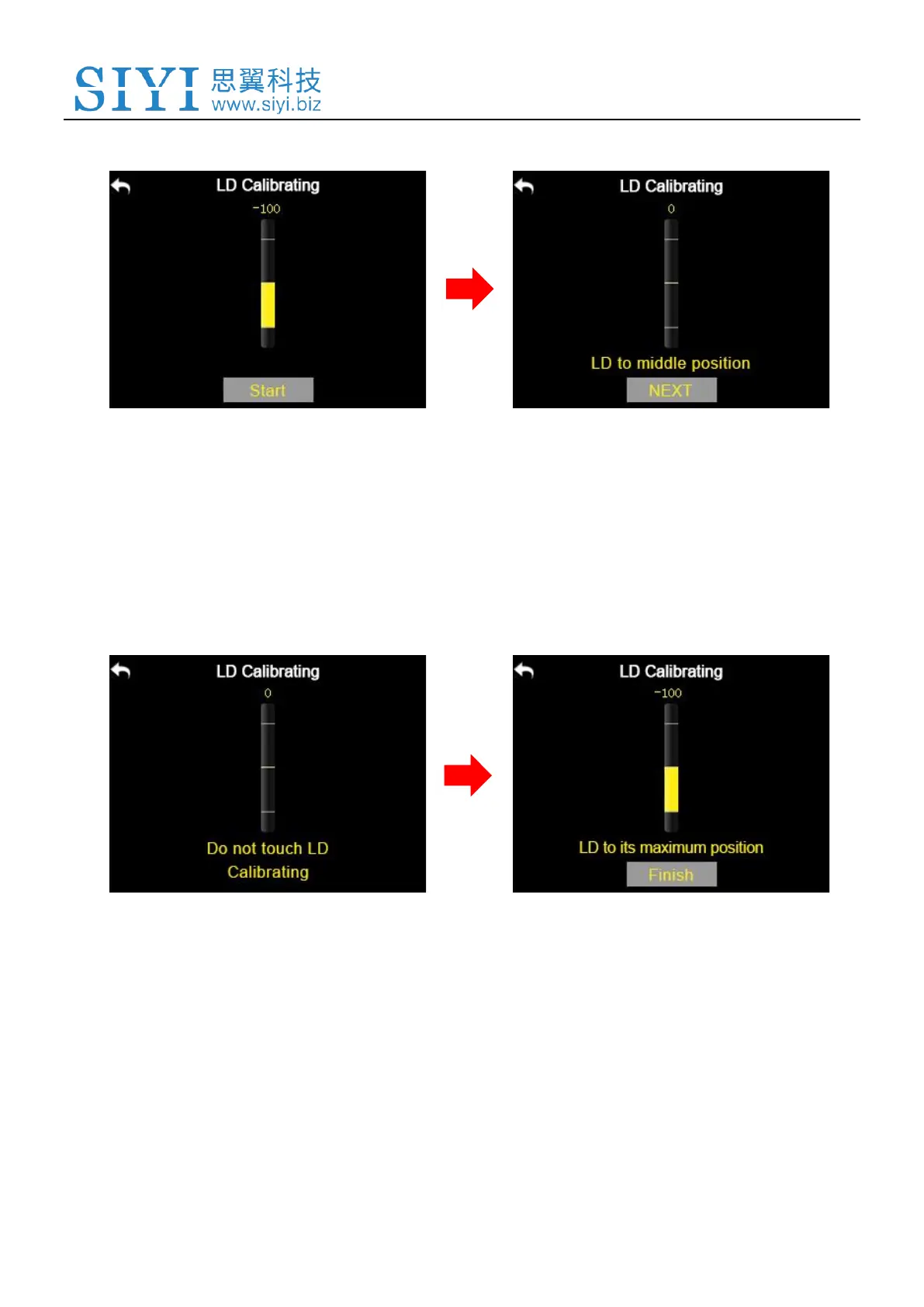
LD calibrating menu;
2. Tap on “Start”, in the screen menu it shows “LD to the middle position”;
3. Make sure the left dial is in the middle position, then tap on “Next”; in the screen
it shows “Calibrating LD’s middle position, do not move LD”;
4. Please do not touch the left dial until it shows “LD to the maximum and minimum
position”; follow the hint and repeat it several times;
5. Tap on “Finish” when it is over.



 To Next Page