LED Display Setup
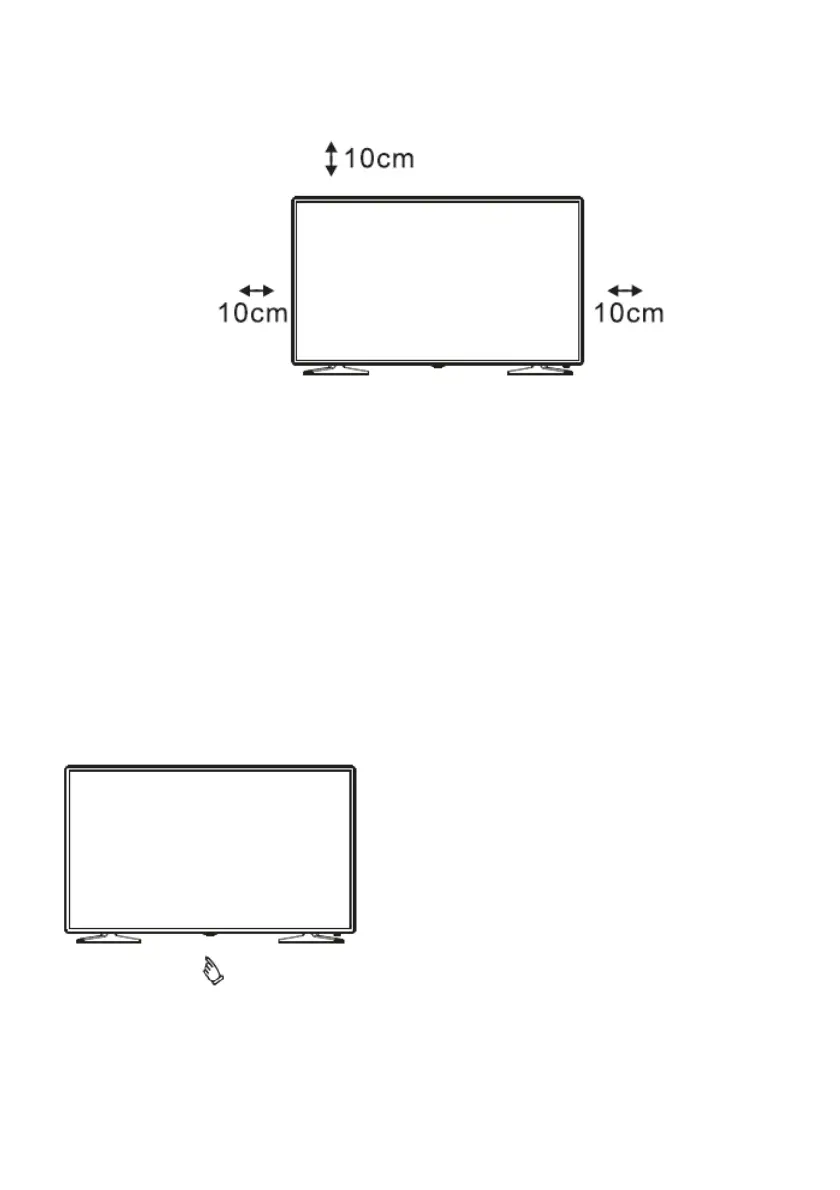
LED Display Setup: Place the LED display on a smooth surface that can
support its weight. To avoid potential hazards, do not leave the LED display in
extremely humid or hot environments or close to heat sources. Leave a gap of
at least 10 cm in all directions and do not cover the ventilation holes on the display
back panel, as shown in the figure.
Connecting the Power Plug:
Insert the power plug into the socket. Before connecting the device's power plug to
the mains socket, make sure that the ma
ins supply corresponds to the values
indicated on the technical label of the device (AC 100-240V ~ 50/60Hz).
Operang the Led Display:
Turn on the LED display by pressing the On/Off button on the bottom of the device.
The indicator light will glow green.
NOTE: Images and descriptions are for reference. There may be differences in
product appearance and button locations.
14



 To Next Page