50ST1104 / 55ST1104 / 65ST1104
SMART LED TV SETUP
Setup
The setup wizard will appear when you start your device for the first time. You can
complete the setup by following the on-screen guidance messages. To start the
Setup, press OK/ENTER.
1. Use the Up / Down arrow keys to select the language and press
OK/ENTER.
2. Use the Up / Down buttons to select the time zone and press OK/ENTER.
3. To set up the wireless network, select a network from the list and enter
your password. You can skip this step with the Right arro
w key and do it
later.
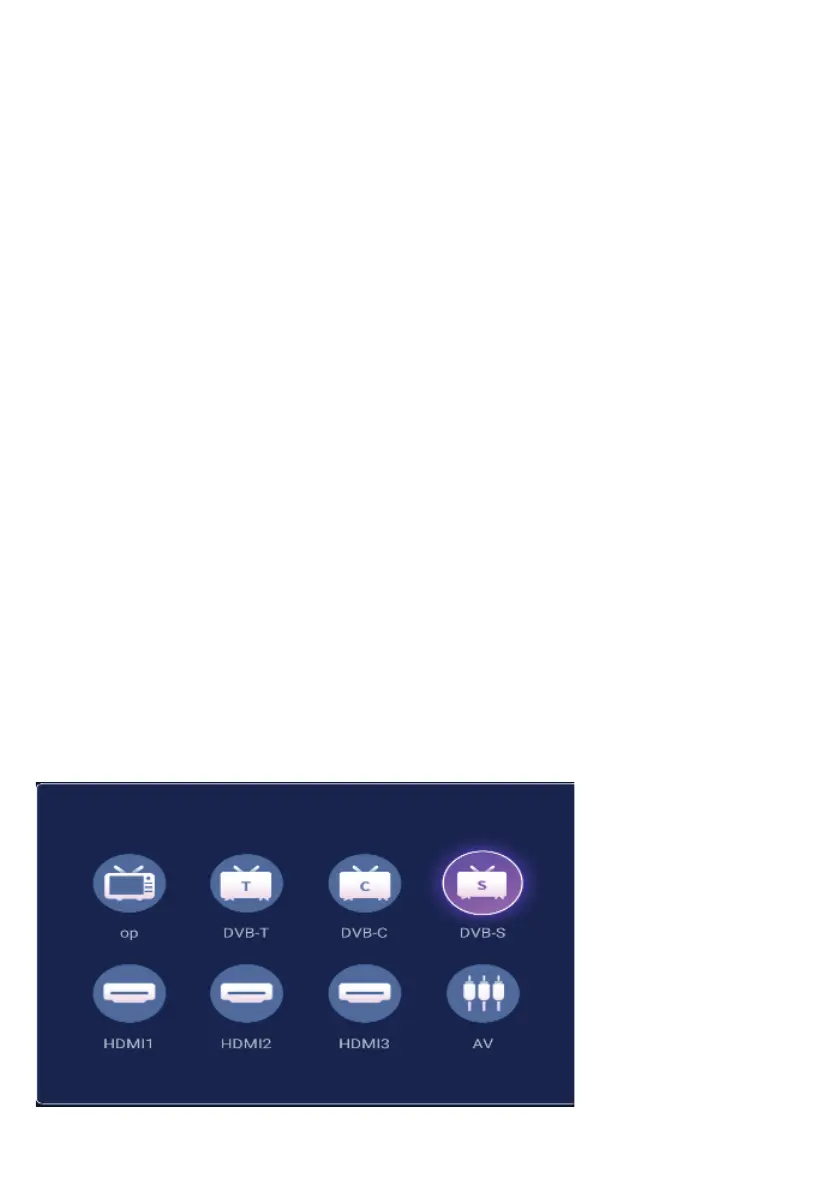
4. To select which source the device will display at startup, use the Up /
Down arrow keys.
TV Funcons
MENU
To enter the menu, press the menu button on the remote control. Using the
right/left arrow keys, select the menu you want to enter and press OK/ENTER
button.
SELECTION OF INPUT SOURCES
38



 To Next Page