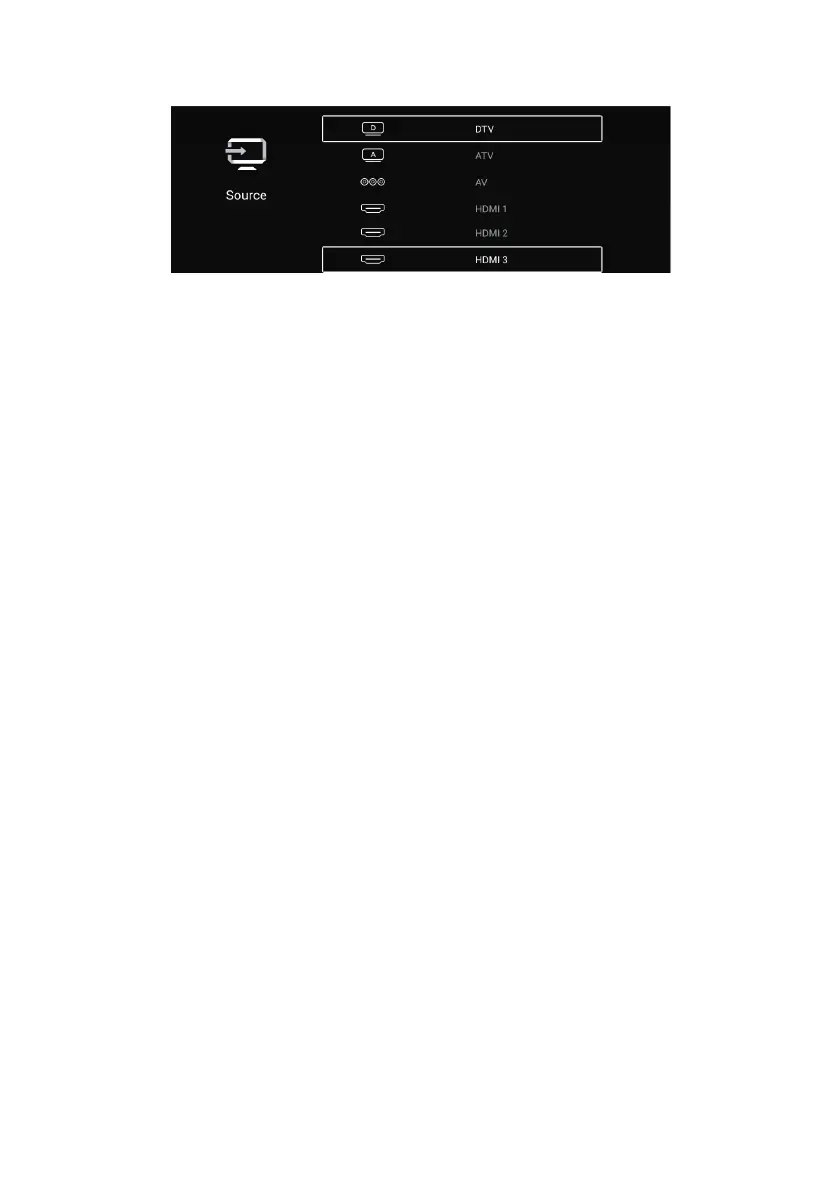
INPUT FUNCTION SELECTION
By pressing the SOURCE button on the remote control and selecting with the
Up/Down buttons, you can access the source menu. Press OK/ENTER to display the
source you have selected.
TV: Select this option to watch Satellite, Analog TV, and Digital Terrestrial TV
broadcasts.
AV Video Input: You can watch by connecting the AV output of your external device
to your TV with a triple AV cable (Video+ Right/Left Audio). (An AV Cable is not
supplied with the device.)
HDMI1, HDMI2, and HDMI3 Inputs: Select the relevant option
to access the device or
devices you have connected to HDMI. (A HDMI cable is not supplied with the device.)
To enter the menu, press the menu button on the remote control. Using the right/left
arrow keys, select the menu you want to enter and press OK/ENTER button.
PICTURE
Note: Contrast, brightness, color, and sharpness settings can be made when the
picture mode is selected as "User."
Standard: Default mode to enable users to obtain high-quality images under normal
light.
Movie: Default mode to ensure users get h
igh-quality images when watching movies.
Vivid: The mode supposed to make the image colors appear more beautiful and vivid.
Energy Saving: Default mode to save energy by reducing screen brightness.
29



 To Next Page