By pressing the down arrow key, you can bring up the media player control bar. You
can control the files you are listening to or watching using the Right/Left direction
buttons or the media player buttons on the remote control.
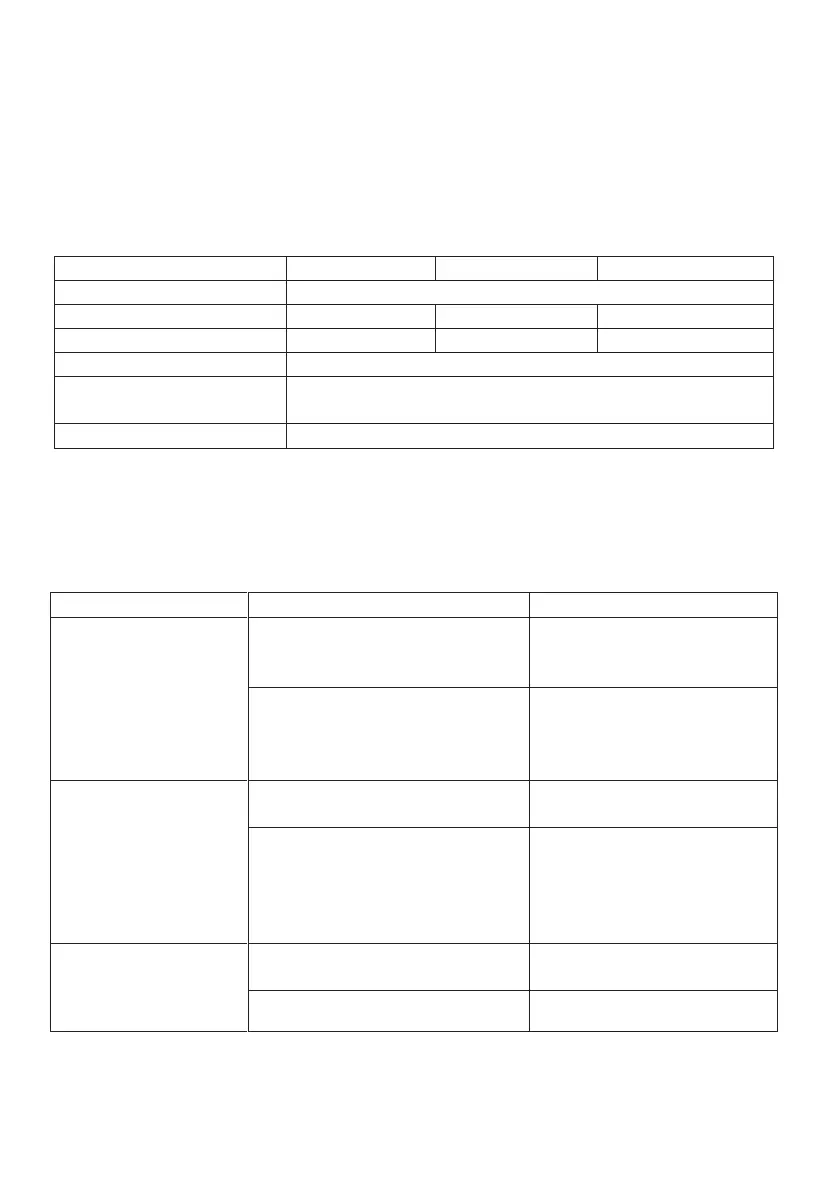
Technical Specificaons
1xRJ45 Ethernet, 3xHDMI, 1xLNB, 1xAntenna, 1xAV,
1xCI Module, 2xUSB
TROUBLESHOOTING
e Won't Turn
n
Power connection may have
been made
device's
power cord is plugged into
the socket
Control
is not working
Make sure the batteries i
your remote control ar
audio or video
Satellite dish antenna not
properly tuned
Satellite dish antenna not
properly
tuned
No signal or weak signal
connections, connection o
LNB and other equipmen
and/or have the satellite
Signal alert
Satellite dish antenna not
properly tuned
Satellite dish antenna not
properly
tuned
LNB is damaged LNB must be replaced
55



 To Next Page