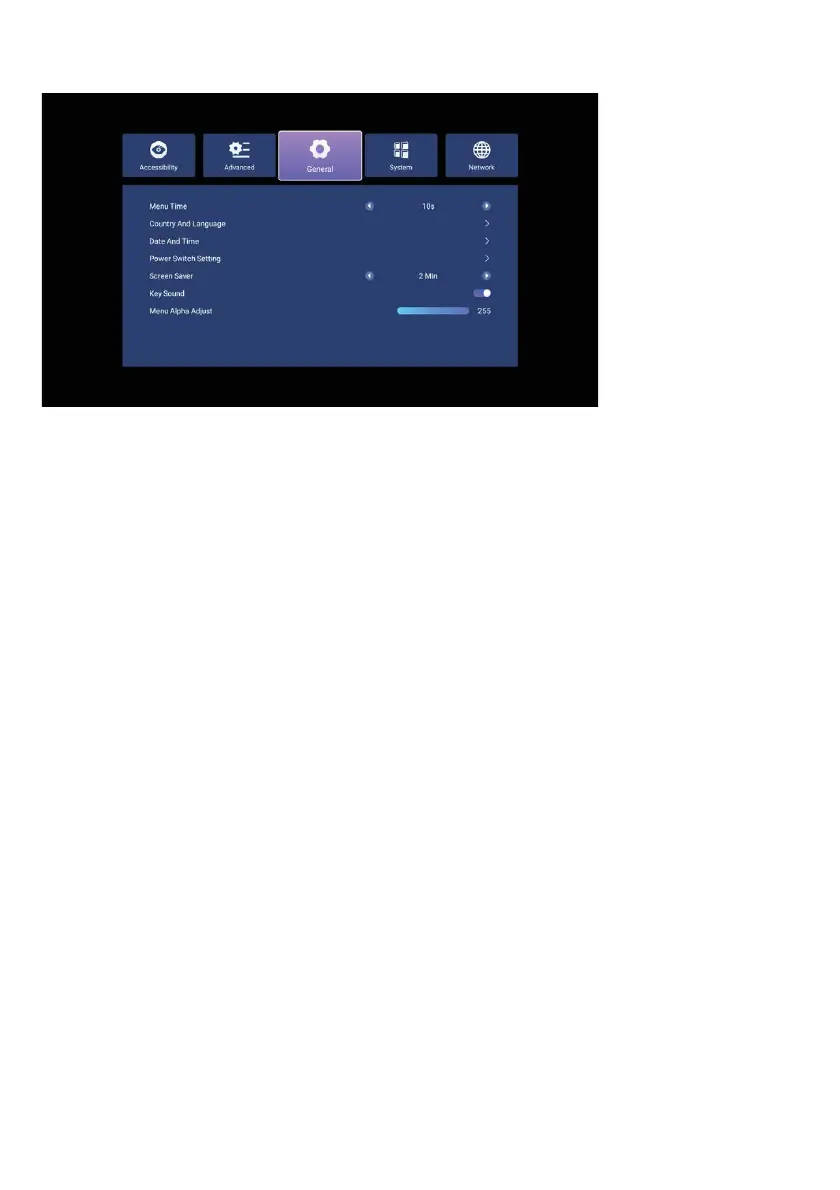
General sengs
Power Desktop: Select "TV" to start your device in TV mode, "Home" to start it in
Smart TV mode, or "Memory" to start it in the last off mode.
Screen Saver: Set the standby time for your TV to display screensaver images when
no commands are received from the remote control or no signal is received over the
air.
Keystroke Sound: Set this feature to "On" if you want your device to beep when it
receives a command from the remote.
Alpha Menu Settings: You can adjust the transparency of the OSD menu from th
is
menu.
Menu Duration: The duration of the information screen stays on the screen.
Country and Language: From this menu, you can change the country and language
settings you selected on the setup screen.
Date and Time: You can change the date and time settings from this menu.
Start Time: Select "Network" for the TV to receive the date and time settings from the
Internet or "TV" for the TV to receive the date and time settings from the incoming TV
broadcast. To set the date and time man
ually, select "Off" and change the settings
below manually.
Power Switch Settings: This menu allows you to change your device's power-on
settings.
49



 To Next Page