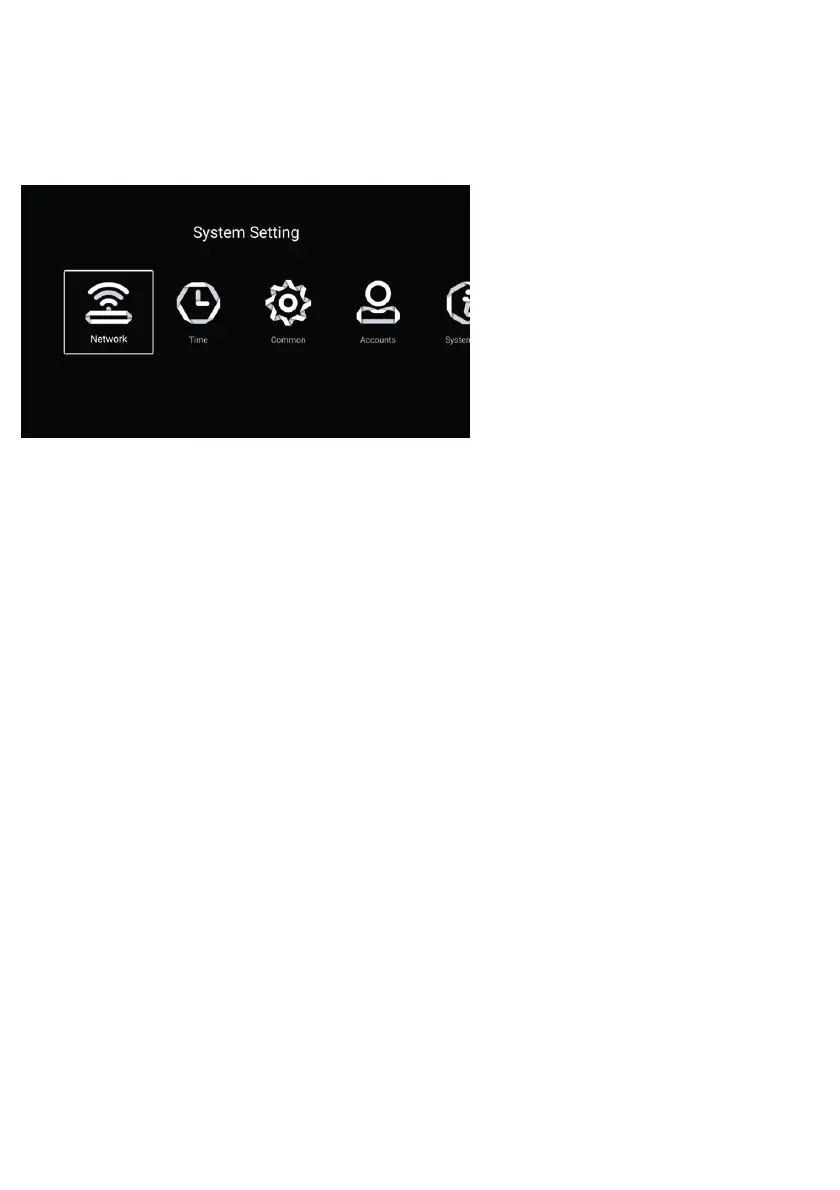
SETTINGS
Select the Settings icon and press ENTER.
General: To view the Android
operating system settings on your
device, select this heading and
press OK/ENTER.
Accounts: From this menu, you
can view, add or remove user
accounts for applications running
on your device's Android
operating system.
Network: To connect your device to a wireless network, select Network and press
ENTER. From the "Network Mode" menu, select the Network Type to which you will
connect your device. If you select cable as the network type, select the "Wirel
ess"
option at the bottom and press OK/ENTER. Then select the name of the network you
want to connect to and press ENTER. Enter your password in the menu that opens,
and then press Connect.
Time: From this menu, you can manage the device's Android operating system time
settings.
System Information: From this menu, you can view the features of your device.
36



 To Next Page